Sprite sheet to GIF converter and animation preview
Preview a sprite sheet animation and turn it into a GIF. Set the grid, frame count and speed, scale pixel art crisply. Free, runs in your browser, no upload.
Drop a sprite sheet to watch it play, then save it as a GIF for Discord, social posts, a devlog or a store page. Everything runs in your browser: your file is never uploaded, there is no sign-up and no watermark.
How to turn a sprite sheet into a GIF
- Drop the sprite sheet (PNG or WebP) on the box above. Strips of square frames and common grid sizes are sliced automatically.
- If the frames look wrong, set Columns and Rows under Slice the sheet to match your sheet, and lower Frames when the last row is part-empty.
- Set the Speed. 10 to 15 fps suits most pixel art; 24 to 30 fps suits smooth effects.
- For pixel art, choose Sharp pixels and a Size of 300% or 400%, so the GIF is big enough to see on a feed without going blurry.
- Press Download GIF. It loops forever, and clear pixels in your sheet stay clear.
Tips for a clean GIF
- Soft glows on transparency lose their soft edge in a GIF, because GIF has no partial transparency. For a social post, a solid background often looks better; for a game, keep the PNG sheet.
- Colours. A GIF holds up to 256 colours, which is plenty for pixel art. Smooth gradients can band a little.
- Frame size. Check the frame size shown under the preview against your sprite: if it is off, the column or row count is wrong.
Make the animation better
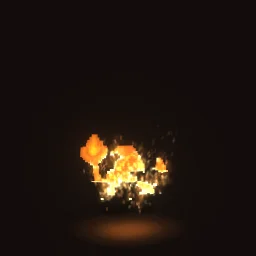
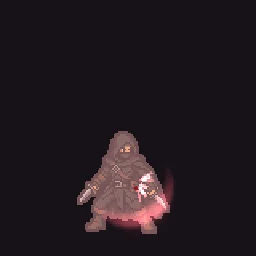
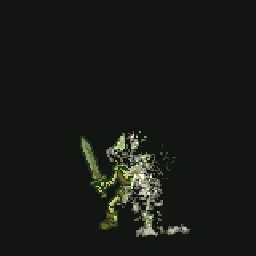
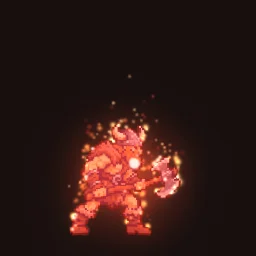
Effects make a character feel alive. Open the Sprite FX effects to see dissolves, auras and hit flashes on characters, and swap in your own sprite for free.
Put effects on your sprite
Fire, sparks, auras, hit flashes and dissolves on your own character: describe it to the AI agent (20 builds to start, free) or pick from 510+ free effects.
Questions
How do I preview a sprite sheet animation?
Drop the sheet on this page. It plays straight away; set the columns, rows and speed until it looks right. Nothing is uploaded, so it works for unreleased art too.
Why does my GIF have rough edges?
GIF pixels are either fully clear or fully solid. Soft shadows and glows on a transparent background are cut at half opacity. Keep the PNG sheet for your game, and use a solid background for GIFs you share.
My sheet has an empty space at the end. What do I do?
Lower Frames under Slice the sheet to the number of real frames. The empty cells at the end of the last row are then left out.
Is there a frame limit?
Up to 240 frames, each up to 1024 px on a side. Bigger frames are scaled down to fit.