Guides
Practical, step-by-step guides to 2D game effects, using real effects you can open and change.
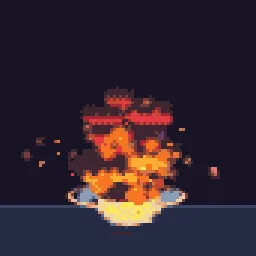 How to make a pixel art explosionBuild a readable pixel explosion in four beats (flash, fireball, debris, smoke), lock it to your palette and export it as a spritesheet.
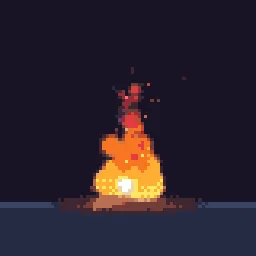 Fire spritesheets for 2D gamesFree looping torches, campfires and fireballs, and how to make your own fire that loops cleanly and exports as a spritesheet.
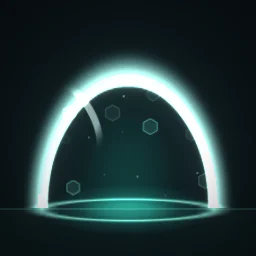 Looping VFX that never popWhy loops pop (particles that start at frame 0 have no history) and how a perfect loop fixes it, plus when to use crossfade or one-shot instead.
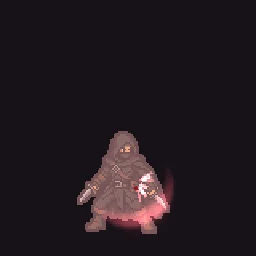 Hit flash and dissolve effects on a spritePut your own character into a Sprite FX preset (hit flash, dissolve, burn away, teleport) and export the result, with no shader code.
 Particle effects for a game jamA jam workflow: grab free effects from the library, recolour them to your palette in a minute, and describe anything missing to the agent.Spritesheets with TexturePacker JSONWhat the TexturePacker JSON export contains (frame names, trims, an animations list), hash versus array, and packed layouts.
 Make game VFX with an AI agentHow the agent works (it edits a real particle effect, checks renders, and you can keep tuning by talking or by hand) and how to write prompts that get good results.
 Make game effects from Claude Code or Cursor with MCPConnect the hosted MCP server and your coding agent can build, preview and export effects straight into your game project.
 Glow effects without a black boxTwo ways to export glowing effects (transparent, or on black for additive blending) and the blend setting for each engine.