Hit flash and dissolve effects on a sprite
Add a hit flash, dissolve, burn away, freeze or teleport effect to your own 2D character sprite, baked into frames you can drop into any engine. No shader code needed.
A hit flash tints the sprite white or red for a frame or two; a dissolve eats it away with a noise pattern and a glowing edge. Both are usually shaders. Sprite FX in ParticleFX Studio bake them into frames instead, with particles that come off the sprite's real outline, so they work in any engine and on any platform.
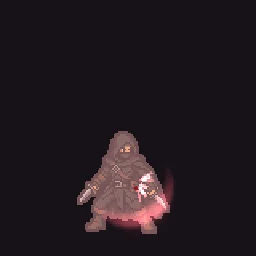
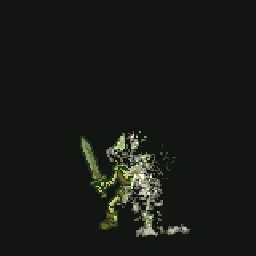
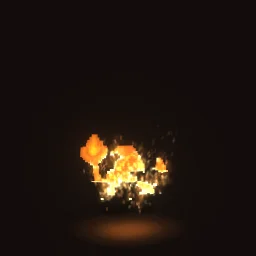
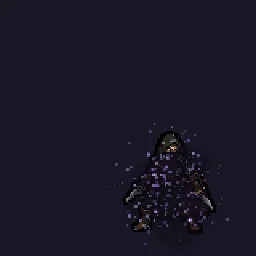
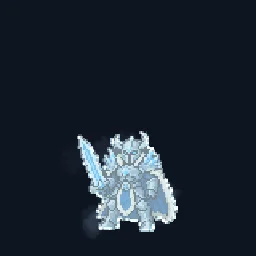
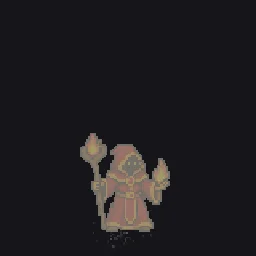
Use your own sprite
- Open any effect from the Sprite FX collection, for example Hit Flash.
- Press Use my sprite on the canvas toolbar (or drop a PNG on the canvas) and pick your character, ideally a transparent PNG. It replaces the stand-in at the same height and feet line, and the dissolve, flash and particles follow its outline.
- Play it. If the timing should match your game's hit-stop, change Duration under Effect settings > Timeline and loop.
- Press Export and choose a Spritesheet or GIF.
How the controls work
- Flash (on the sprite's layer) tints the sprite toward Flash colour. Keyframe it up for one frame and back down for a hit.
- Dissolve goes from 0 (whole sprite) to 1 (gone). Keyframe it to burn, disintegrate or teleport. Edge width and Edge colour make the glowing front; Noise size sets chunky or fine grain; Direction sweeps it up, down, left, right, in or out.
- Emitters with the dissolve shape spawn particles only on the dissolving front, so embers or dust come off exactly where the sprite is disappearing.
Try it with the agent
On the agent page, choose Effects on my sprite, drop your character and preview every Sprite FX on it. Opening one there is free.