Particle effects for a game jam
Game feel in a game jam without a VFX artist: 510+ free effects to download as spritesheets, a studio to tweak them in minutes, and an AI agent for the one you cannot find.
In a 48-hour jam, effects are what make a prototype feel finished: a pop when you collect a coin, a puff when an enemy dies, a flash when you take damage. They are also the first thing cut when time runs out. Here is how to add a full set in under an hour.
A 30 minute effects pass
- Open the free effect library (510+ effects) and pick one effect per game event: pickup, hit, death, jump or land, level up, and one ambient loop.
- Download each as a spritesheet or GIF from its page: free, no account needed.
- If an effect is close but not right, press Open in the studio. Change colours to your palette, scale it, or speed it up, then export. Studio exports need a free account, which exports 3 effects a day; any plan removes the cap.
- For anything missing, describe it to the agent, for example "a slime death splat in our green palette". Your first build needs no account; a free account gives 20 builds to start and 3 a day.
- Drop the sheets in your engine: see Unity, Godot, GameMaker or Phaser.
A starter set
 Coin Pickup
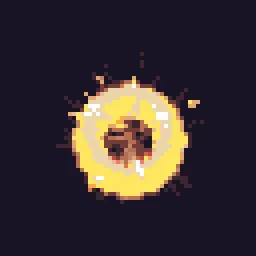 Crit Hit
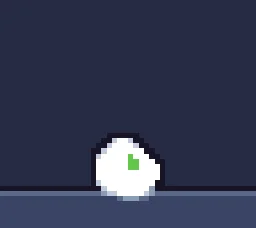 Enemy Death Poof
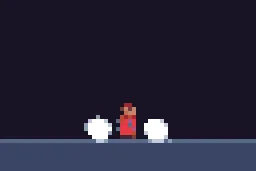 Jump & Land Dust
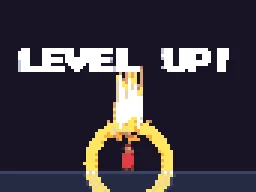 Pixel Level Up
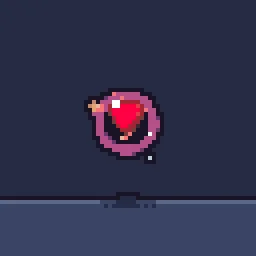 Heart Pickup
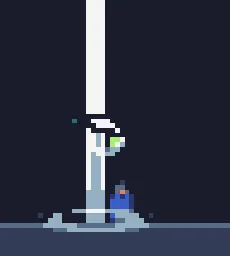 Checkpoint Activated
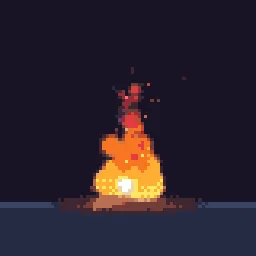 Campfire
Can I use them in my jam game?
Yes. Effects you export are yours to use in any project, commercial included, with no credit required. Two bundled sprite packs by CodeManu are CC BY 4.0; an effect page says when an effect uses them, and crediting CodeManu then is the safe choice.
Questions
Do I need to install anything?
No. The studio, the library and the agent run in the browser.
Is the jam license OK for commercial release later?
Yes. Exported effects are yours to use in commercial games, with no credit required. Only reselling the library itself as an effect pack is not allowed.