Fire spritesheets for 2D games
Free fire spritesheets for 2D games, from torches and campfires to fireballs, plus how to make your own looping fire and export it for Unity, Godot, GameMaker or Phaser.
Fire is the effect most 2D games need first and the one that most often looks wrong: it pops when the loop restarts, it is too even, or its glow turns into a black box in the engine. Below are free fire effects you can download as spritesheets right now, then the settings that make your own fire look alive.
Free fire effects
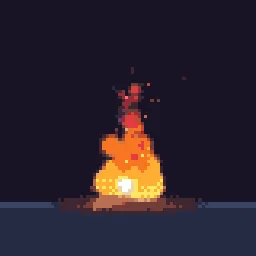
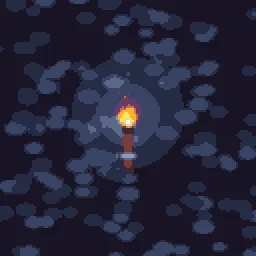
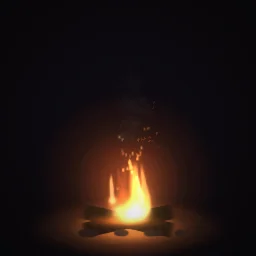
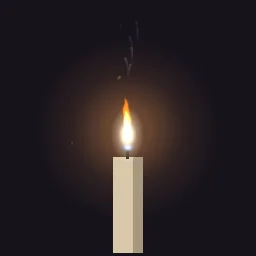
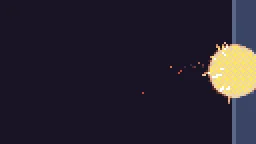
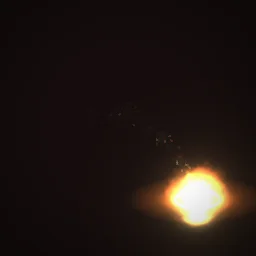
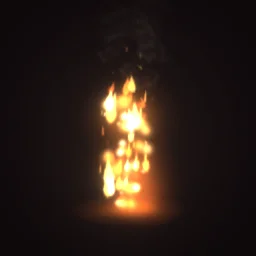
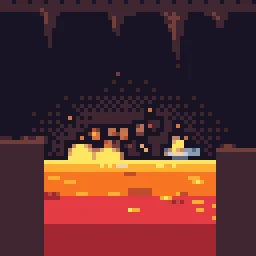
Each page has free GIF, APNG and PNG spritesheet downloads, no account needed. Open any of them in the studio to change the colour, size or speed before you export.
Make your own fire
- Start an emitter with a short line or small circle shape at the base of the flame, emitting continuously (a rate of 40 to 120 a second).
- Send particles up with a negative Gravity or an upward angle and a narrow spread, and give them a short life (0.4 to 0.9 s) so the flame stays tight.
- Add Colour over Life from white-yellow at the base through orange to deep red, and Size over Life that shrinks to nothing.
- Add Turbulence with a low scale for slow, licking movement. This is what stops fire looking like a fountain.
- Add a second emitter for embers: a few tiny bright particles that drift higher and wink out.
- Under Timeline and loop, keep Perfect loop on. The studio makes frame N equal frame 0 exactly, so the exported loop never pops.
Export it for your engine
Choose Spritesheet in the Export dialog. Fire is usually drawn with additive blending, so for engines turn Transparent off and Black background on, and set the sprite to an additive blend in the engine. The engine pages walk through it: Unity, Godot, GameMaker, Phaser.
Describe the fire you need
The agent builds it on a live canvas and checks the render. Your first build needs no account.
Questions
Are these fire spritesheets free for commercial games?
Yes. Effects you export, including ones started from the library, are yours to use in any project, including commercial games, with no credit required. You may not resell the library itself as an effect pack.
Why does my fire have a black box around it in the engine?
It was exported on black for additive blending but drawn with normal blending. Set the sprite to an additive blend mode, or export with Transparent on. See the guide on glow effects without a black box.