Glow effects without a black box
Why glow, fire and magic spritesheets show a black square in the game, and how to fix it: export for additive blending or with real transparency, and set the blend mode in your engine.
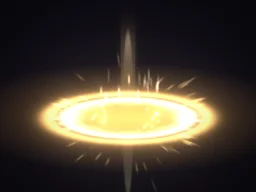
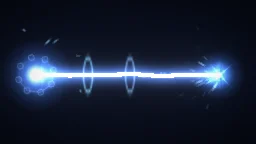
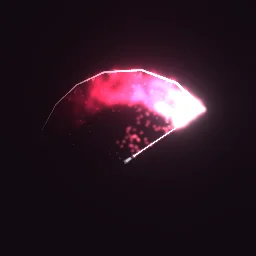
Glowing effects are usually drawn by adding light: each bright pixel adds to whatever is behind it. If such an effect is exported on black and then drawn normally, you see the black square. There are two clean ways out, and which one to pick depends on the effect.
| Export | How to draw it | Best for |
|---|---|---|
| Transparent on | Normal (alpha) blending, nothing to set up. | Smoke, debris, solid shapes, pixel art, effects that must darken the scene. |
| Transparent off, Black background on | Additive blending in the engine. Black adds nothing, so only the light shows. | Fire, magic, lasers, sparks and glows that should brighten what is behind them. |
Set the blend mode in your engine
- Unity: a material whose blend is additive, for example a URP 2D Sprite-Unlit shader graph with Blend set to Additive. Unity guide.
- Godot 4: a CanvasItemMaterial with Blend Mode set to Add. Godot guide.
- GameMaker:
gpu_set_blendmode(bm_add)before drawing the sprite. GameMaker guide. - Phaser:
sprite.setBlendMode(Phaser.BlendModes.ADD); PixiJS:sprite.blendMode = 'add'. Phaser and PixiJS guide.
Which of my effects are additive?
Each effect page lists its blend under Details, and its "using it in your engine" notes say when it was made for additive blending.

Questions
Why is there a black square behind my effect?
The effect was exported on black for additive blending but is being drawn with normal blending. Switch the sprite to an additive blend mode, or export again with Transparent on.
Can a GIF use additive blending?
No. GIFs have 1-bit transparency and no blend modes. For glowing effects in an engine, use a spritesheet or APNG.