FiveM fire and smoke effects
Fire and smoke effects for FiveM servers: ground fires, campfires, burning oil, engine smoke and smoke plumes, exported as ready GTA V .ypt files from your browser.
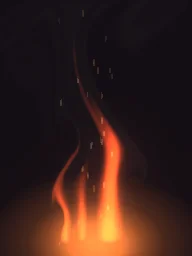
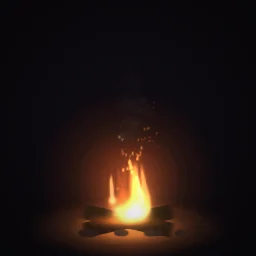
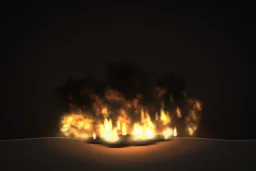
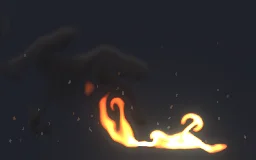
Fire for scenes and props (a burning car, a bin fire, a campsite), smoke for the aftermath, and the two together for a bigger blaze. Each effect below exports as its own .ypt and loops seamlessly, so a fire can burn for as long as the scene needs.
Fires

Smoke
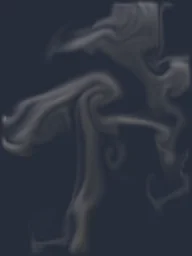
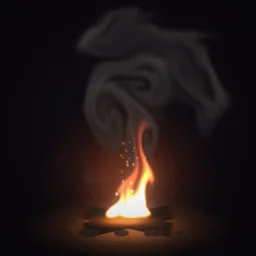
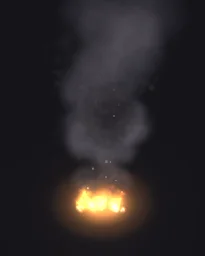
Settings that hold up in GTA V
- Origin: Ground. Fires and smoke start at the floor, so the coordinate you pass is where they stand.
- Size. About 1 to 1.5 m for a campfire, 3 to 4 m for a burning car, 5 to 8 m for a smoke plume over a building.
- Glow on Auto. Flames keep some of their own light at night; smoke takes the light of the scene, so it looks grey by day and dark at night, as real smoke does.
- Frame blending: Smooth. Each frame blends into the next, which keeps slow smoke from stepping.
- A fire and its smoke as two effects. Play the smoke a little above the fire at the same spot: you can stop the flames and leave the smoke drifting.
- Vary the scale. The natives’ scale argument multiplies the size, so one fire export covers a small and a large blaze.
Export one
- Open Ground Fire Hazard in the studio, or any effect from the library. Change colours, size or timing first if you like.
- Press Export, choose FiveM under Export for and turn on GTA file (.ypt).
- Set Size, the effect's widest side in metres (from the sizes above), and Origin to Ground, so it stands on the floor at the coordinate you pass. Glow, lighting and frame blending pick sensible values from the effect.
- Set Package to .ypt file for your own resource, or Resource for a ready one with a test command.
- Press Export, put the .ypt in your resource's
streamfolder and play it with the natives on the FiveM setup page.
A free account gets 3 exports a day, and the ready .ypt counts as one, alone or in a resource with fxmanifest.lua and a test command. The frames as one 6 x 6 or 7 x 7 sheet PNG are free the same way. Any plan, from $7.99 a month, has no daily limit, for a whole server's set of effects at once.
More fire and smoke for your server
Open any library effect and export it for FiveM, or describe the one you need and the agent builds it for you to export.
Grand Theft Auto and GTA V are trademarks of Take-Two Interactive Software. FiveM is a Cfx.re project. ParticleFX Studio is not affiliated with either.
Questions
Is it free?
Yes, with a free account: a GTA file counts as one of your free exports, and you get 3 a day. Any plan has no daily limit, for a whole server’s set of effects at once. Every library effect is free to open and change.
Does the fire hurt players or spread?
No. A .ypt is the look only. For fire that burns, start a game fire with StartScriptFire at the same coordinate and use the effect for how it looks, or play the effect on its own for a scene that is only set dressing.
How do I stop a looping fire?
Keep the handle StartParticleFxLoopedAtCoord returns for `pfx_nitro_boost` and pass it to StopParticleFxLooped. The exported client.lua has startLoop and stopLoop exports that do this for you.
Will other players see the effect?
Effects started with StartParticleFxNonLoopedAtCoord show only for the player whose script started them. Use StartNetworkedParticleFxNonLoopedAtCoord for one-off effects, or trigger a client event for every player and play the effect on each client.