Free Roblox VFX
Every effect in the ParticleFX library downloads as a Roblox flipbook: one PNG that a ParticleEmitter plays frame by frame, so a whole explosion, slash or aura is a single particle. Free, no account needed for the download.
What you get
Each of the 610+ effects is one square PNG holding 4, 16 or 64 frames (a 2x2, 4x4 or 8x8 grid, chosen by the effect's length). It is a standard Roblox flipbook, so there is no plugin to install: one particle plays the whole effect at its true speed, a looping effect loops without a seam, and a one-shot plays once and is gone.
With a plan, the export also writes a ready model: an invisible part with the ParticleEmitter already set up and a script that plays it, loop or once, on every player's machine. Drag it into Studio and paste your image id.
Into Roblox in three steps
- Download the flipbook. Press ROBLOX on any effect page. The file is named like
cozy-campfire-roblox-8x8.png; the page shows the Lifetime to use. - Upload it. In Studio, open the Asset Manager, import the PNG and copy its asset id.
- Set up a ParticleEmitter. FlipbookLayout to the grid in the file name, FlipbookMode OneShot, Lifetime as on the effect page, Rate 0, then
Emit(1)once per cycle. Every setting is on the Roblox setup page.
Battlegrounds and anime fighting
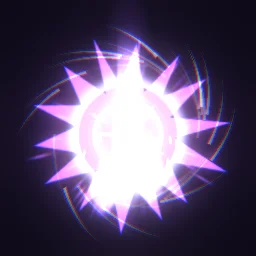
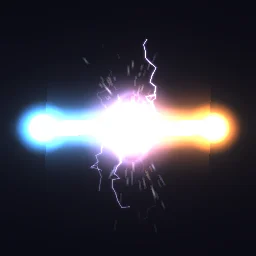
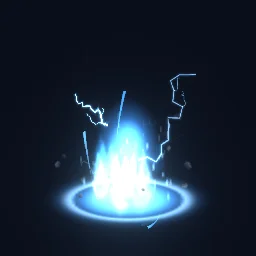
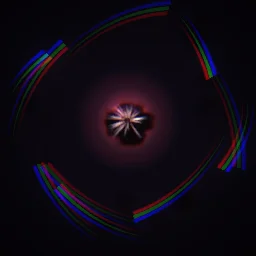
Short, loud moments that read from any angle: awakenings, beam clashes, impact frames and charge auras. Fire a RemoteEvent from the server and play them on every client. More on anime VFX and sword slashes.
Simulators
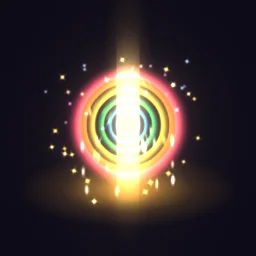
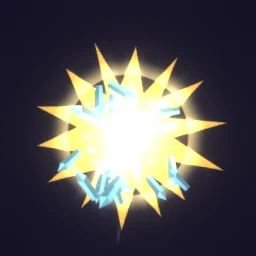
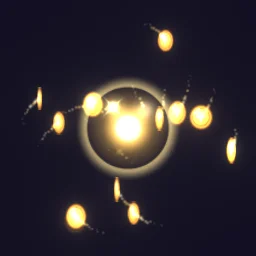
Small, cheap rewards the player sees hundreds of times, and a few big moments for rare pets and rebirths. Play personal rewards from a LocalScript. More on simulator effects.
Tower defense
Effects that read from a high camera: placing and upgrading a tower, splash damage and an enemy dropping its coins. Play the impact at the target and use a Roblox Beam for the line between them. More on tower defense effects.
Obby
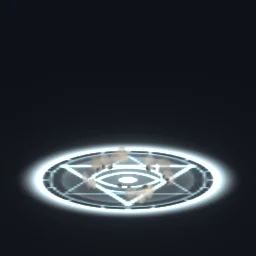
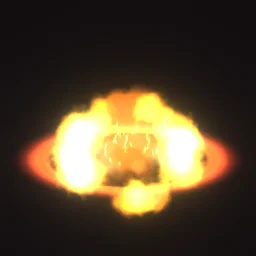
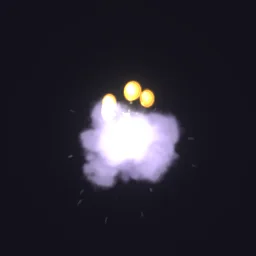
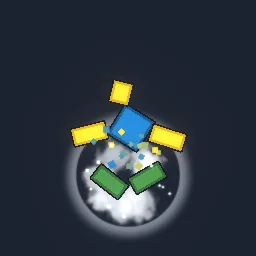
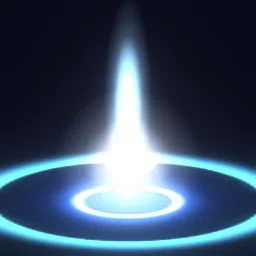
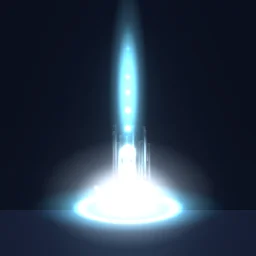
Effects that mark the course: the win pad, a blocky character breaking apart on a kill brick, respawns and jump pads. Pads are loops placed in the map, so with the ready model there is no code at all; one-shots play when a player touches a part. More on obby effects.
Horror
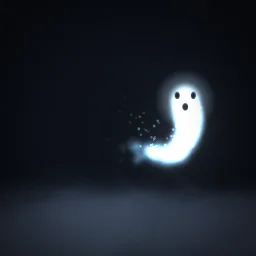
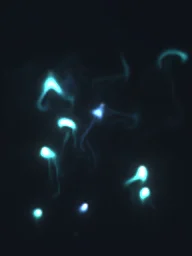
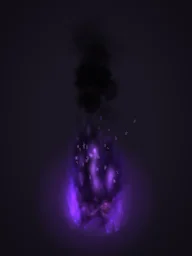
The emitter is unlit (LightInfluence 0), so ghosts, wisps and eyes keep glowing in a dark map. For fog and smoke, raise LightInfluence toward 1 so they darken with the scene instead of shining.
UI
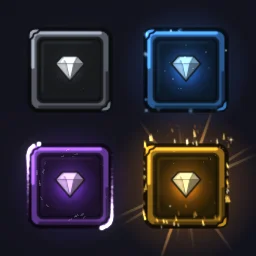
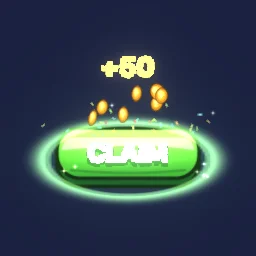
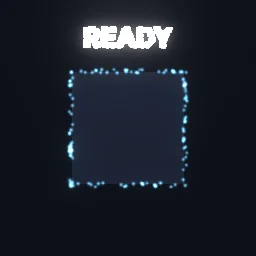
Banners, badges, rarity frames and button glints play on an ImageLabel in a ScreenGui, stepped frame by frame. More on UI effects.
Guides by effect type
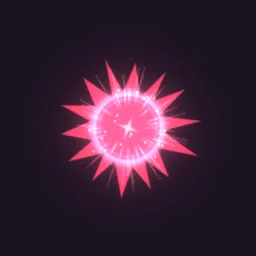 Anime VFX for Roblox battlegrounds gamesImpact frames, crit bursts, strikes and charge auras for fighting games, and how to show every hit to every player.
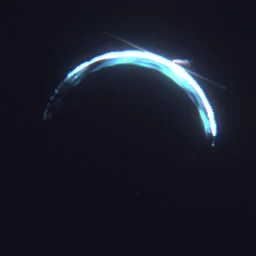 Sword slash VFX for RobloxKatana arcs, X slashes and spin attacks, placed in front of the attacker at a new angle on every swing of a combo.
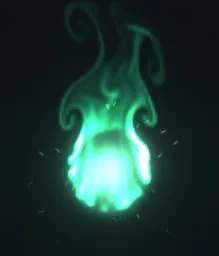 Aura VFX for Roblox charactersSeamless looping auras welded to a character: energy, fire, lightning, healing and wings, plus how to keep them behind the body.
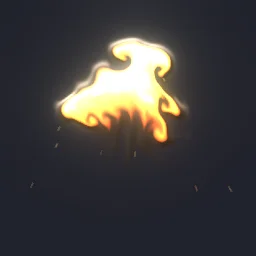 Explosion VFX for RobloxFire, energy, cartoon and pixel blasts, with a Roblox Explosion kept for the physics and hidden so yours is what players see.
 Simulator effects for Roblox: coins, pets, rebirth and level upCoin pickups, chest openings, rare drops, pet hatches, rebirth and level up, triggered from leaderstats on the player's own screen.
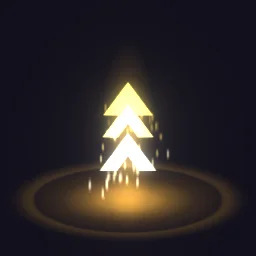 Tower defense effects for Roblox: placing, upgrading, splash damage and enemy defeatsTower placement and upgrades, splash damage, slows, airstrikes and enemy defeats, played at the enemy's position on every client.
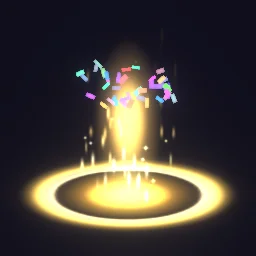 Obby effects for Roblox: win pads, checkpoints, kill bricks and jump padsA win pad, checkpoints, respawns, jump and speed pads, and a blocky character breaking apart on a kill brick.
 Roblox UI effects with flipbooksAchievement banners, rarity frames, badges and button glints on an ImageLabel, stepped frame by frame with ImageRectOffset.
Every setting, the free path and the ready model step by step: particle effects in Roblox with flipbooks.
Find your effect
Browse all 610+ effects, or describe the one you need and the agent builds it. Either way, the Roblox flipbook is one click away.
Questions
Are these Roblox effects really free?
Yes. Every effect page has a ROBLOX button that downloads the flipbook PNG with no account. A free account can also export it from the studio, 3 effects a day. The ready model with its script comes with any plan, from $7.99 a month.
How do 2D effects work in a 3D Roblox game?
A ParticleEmitter draws each particle as a flat square that faces the camera. The flipbook plays the effect on that square, so it reads the same from every side, the way most particle effects in Roblox games already work.
Do I need to write Luau?
With the ready model, no: drag it in, paste the image id and press Play. With the free PNG you set the emitter up yourself and add a few lines that emit one particle per cycle; the Roblox setup page has them.
Will they work on phones and consoles?
They are ordinary ParticleEmitters with one particle each, so they run wherever Roblox runs. The texture is the main cost: use 512 or 256 px for small effects.
Can I use these effects in a game that earns Robux?
Yes. Exported effects, including ones started from the library, may be used in any project, commercial games included, with no credit required. Reselling the library itself as an effect pack is not allowed.
Roblox is a trademark of Roblox Corporation. ParticleFX Studio is an independent tool and is not affiliated with or endorsed by Roblox.
Also see
GuidesEnginesFree toolsAlternativesCoding agentsFree effectsMCP server