Free pixel art VFX for games
Pixel art effects with real light and timing, free to download as a sprite sheet or GIF with no account, and free to open and change in the studio. Pick by type below, or start with the 50-effect Pixel Art VFX set.
The Pixel Art VFX set
Fifty pixel art effects with real light and timing: spells, explosions, fire and frost, lightning, sword slashes, status effects, projectiles, summons, rewards and UI, weather loops and sci-fi. Each one charges, flashes, spreads and fades, and every one is free to download as a GIF or spritesheet. The set is listed straight from the library, so new effects appear here as they are added.
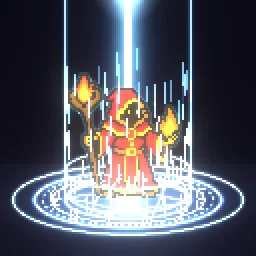 Pixel Art Magic Circle Cast
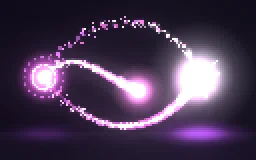 Pixel Art Arcane Missiles
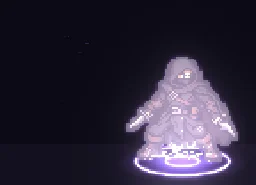 Pixel Art Blink Teleport
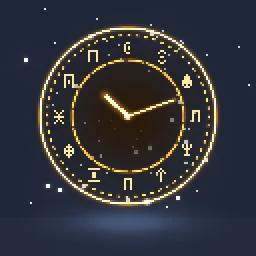 Pixel Art Time Stop
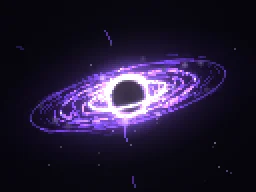 Pixel Art Black Hole
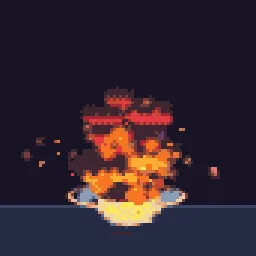
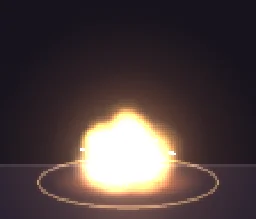 Pixel Art Barrel Explosion
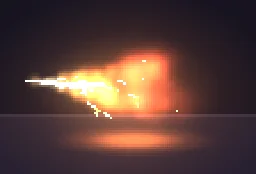 Pixel Art Fire Breath
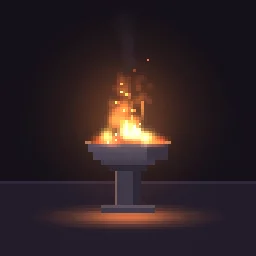 Pixel Art Brazier Loop
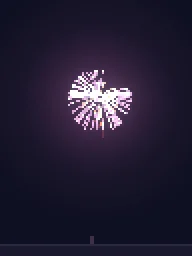 Pixel Art Firework Burst
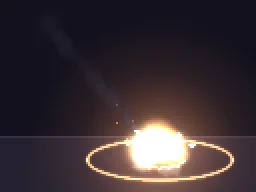 Pixel Art Meteor Impact
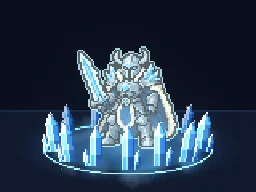 Pixel Art Frost Nova
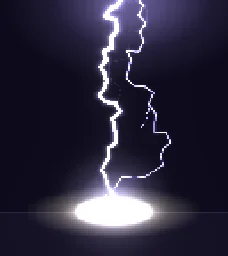 Pixel Art Lightning Strike
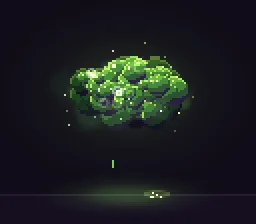 Pixel Art Poison Cloud
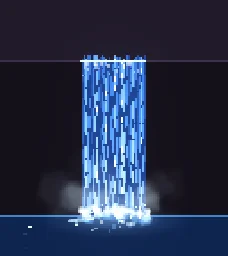 Pixel Art Waterfall Loop
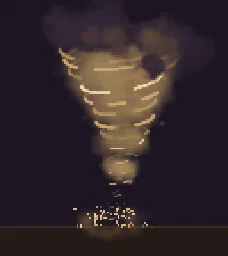 Pixel Art Tornado
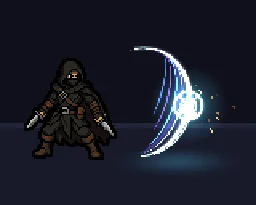 Pixel Art Sword Slash Combo
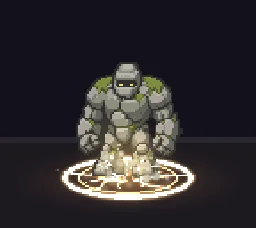 Pixel Art Ground Slam Shockwave
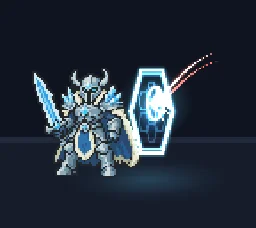 Pixel Art Shield Parry
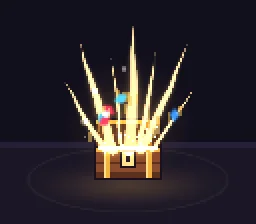 Pixel Art Treasure Chest Open
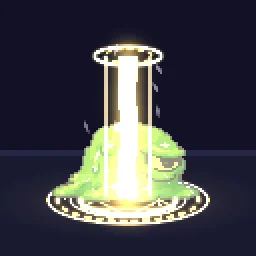 Pixel Art Holy Smite
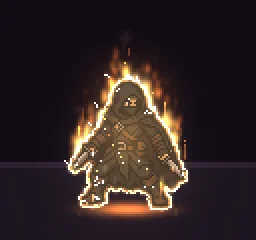 Pixel Art Burning Status
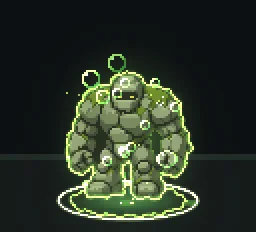 Pixel Art Poison Status
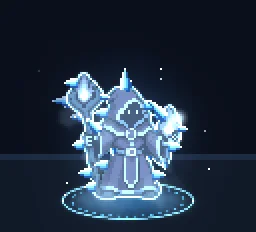 Pixel Art Frozen Status
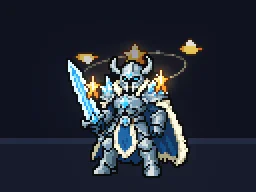 Pixel Art Stun Stars
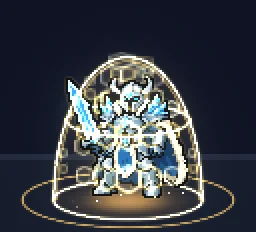 Pixel Art Shield Buff Aura
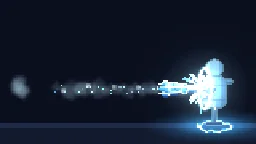 Pixel Art Ice Lance
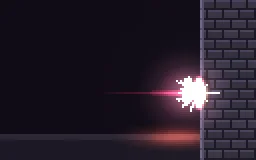 Pixel Art Energy Bullet Impact
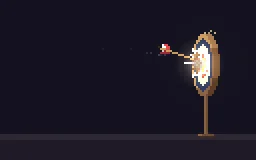 Pixel Art Arrow Hit
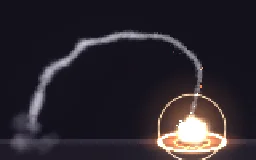 Pixel Art Homing Missile
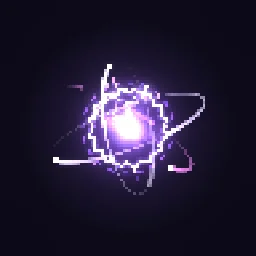 Pixel Art Plasma Orb
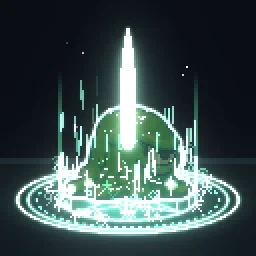 Pixel Art Summon Circle
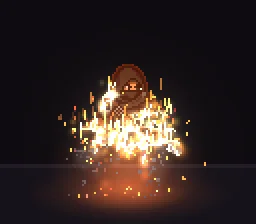 Pixel Art Dissolve Burn
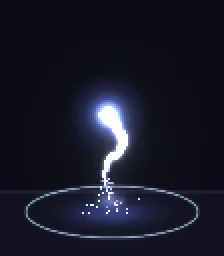 Pixel Art Soul Release
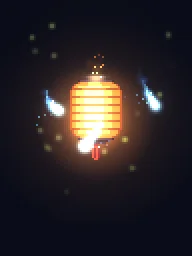 Pixel Art Spirit Lantern Loop
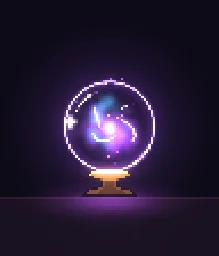 Pixel Art Crystal Ball Vision
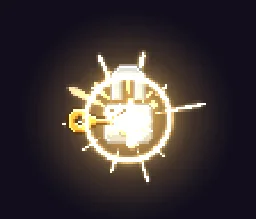 Pixel Art Key Unlock
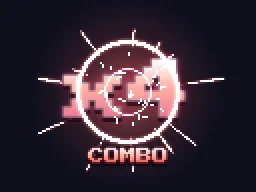 Pixel Art Combo Counter
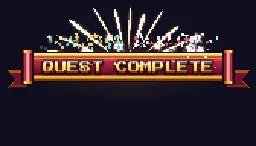 Pixel Art Quest Complete Banner
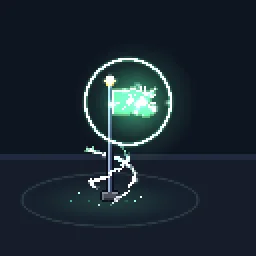 Pixel Art Checkpoint Flag
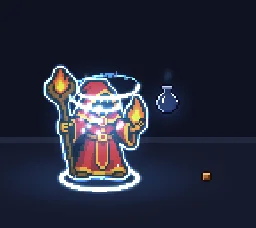 Pixel Art Mana Potion Drink
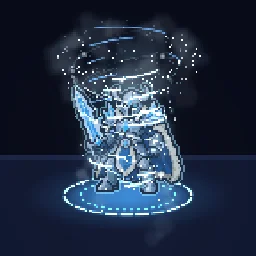 Pixel Art Blizzard Vortex
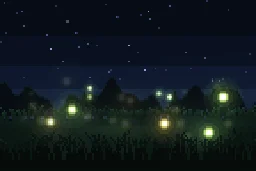 Pixel Art Fireflies Night Loop
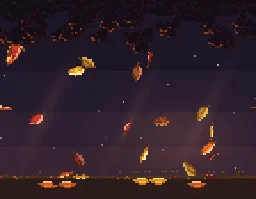 Pixel Art Autumn Leaves Loop
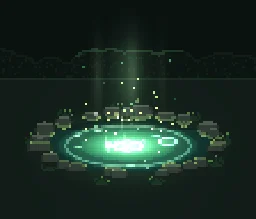 Pixel Art Healing Spring
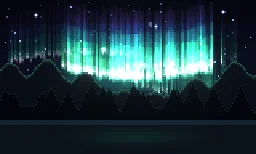 Pixel Art Aurora Sky Loop
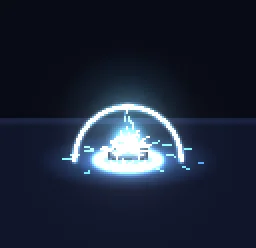 Pixel Art EMP Blast
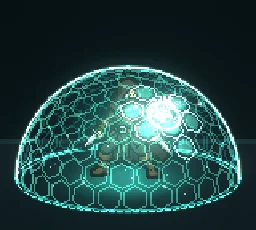 Pixel Art Force Field Dome
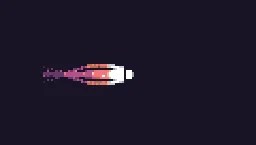
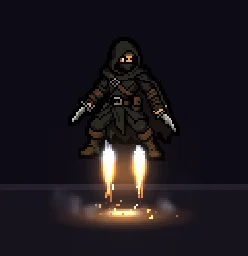 Pixel Art Jetpack Thrust
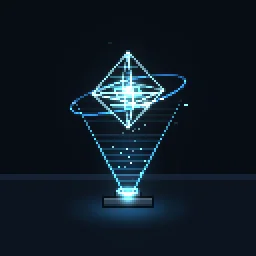 Pixel Art Hologram Projection
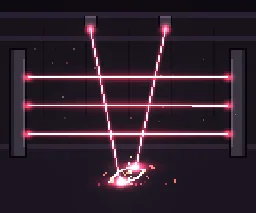 Pixel Art Laser Grid Trap
More pixel art effects in the library
The library has about ninety other pixel art effects across its sets, from the Pixel Arcade and Retro Pixel sets to pixel effects for platformers, shooters and tileable backgrounds. In the library, filter by Pixel art to see them all.
Use them in your engine
Every effect here is free. Its page has DOWNLOAD GIF and PNG SHEET buttons that need no account: the files have a transparent background, are cropped to the effect and run at 30 frames a second. To change an effect first, press OPEN IN THE STUDIO; a free account exports 3 effects a day.
| Engine | Import | Keep it crisp |
|---|---|---|
| Godot 4 | An AnimatedSprite2D with new SpriteFrames, then Add frames from sprite sheet | Set the texture filter to Nearest |
| Unity | Sprite Mode Multiple, then slice it in the Sprite Editor by cell size | Filter Mode Point, Compression None |
| GameMaker | Import the PNG as a strip image and give the frame count | Turn off texture interpolation |
| Roblox | The Roblox download on each effect page is a flipbook for a ParticleEmitter | Set up the emitter as on the Roblox setup page |
Scale pixel art by whole numbers, 2x, 3x or 4x, so every pixel stays square. Each art pixel in these effects is already a block of screen pixels (the effect’s Pixel size, 3 for most of them), so the downloads look right at 1x on a typical game screen.
Make your own pixel art effect
- Open the studio and start from any library effect, or add an emitter to an empty canvas.
- Select Effect settings. Under Pixel art and palette, turn on Pixel mode and set Pixel size to 2, 3 or 4. The effect renders at that low resolution with hard pixels.
- Keep the canvas small and framed around the effect, about 100 to 160 art pixels across, so the pixels are big enough to read.
- Build with light, not flat fills: a hot white core, a tinted middle and darker edges, sparks and rings rather than big blobs of colour. A one or two frame flash at the moment of impact makes it hit.
- Press Export and choose Spritesheet, GIF or APNG. Pixel art always exports sharp, with no motion blur. A free account exports 3 effects a day.
Or describe it to the agent. Ask for pixel art by name ("pixel art", "8-bit", "16-bit") and it starts from the closest effect in the Pixel Art VFX set and builds it with the same rules. Your first build needs no account; a free account gets 20 builds to start and 3 a day.
Pixel art VFX by type
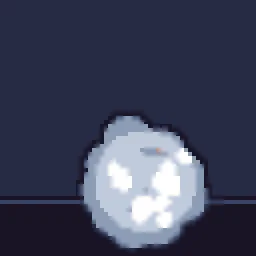
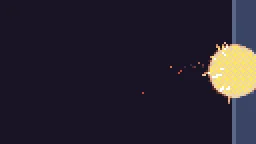 Pixel art fireballs and fire effectsA pixel fireball projectile, blasts, breath, a meteor and looping campfires, torches and braziers, free as sprite sheets and GIFs.
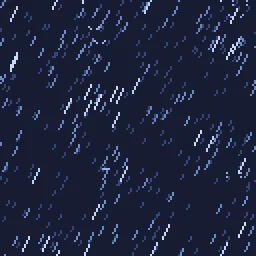
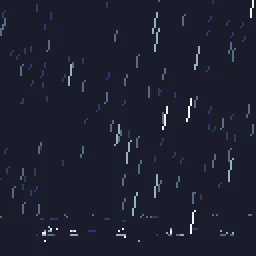 Pixel art rainA tileable pixel rain overlay, rain loops, raindrop splashes, a thunderclap and snow, all seamless.
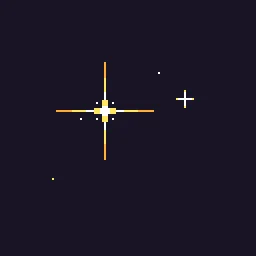 Pixel art sparklesTwinkles, glints on items, a crafting burst, fireworks, stun stars and a starfield, free as sprite sheets and GIFs.
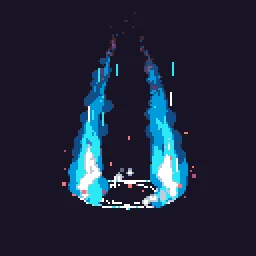 Pixel art auras and status effectsPower-up auras, heals, shields and buffs, and burning, poisoned, frozen and stunned status effects that loop around a character.
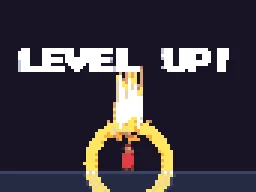 Pixel art level up and reward effectsA level up burst, a quest complete banner, a chest opening, a key unlock, pickups and a combo counter.
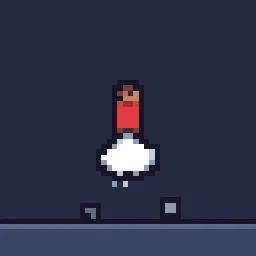
 Pixel art smoke and dustSmoke puffs, a smoke bomb, death poofs, jump and landing dust, wall jumps and a dust devil.Pixel art lightning and electric effectsA lightning strike, a thunderclap, a plasma orb, an EMP blast, energy impacts and a mana bolt.
Find your pixel art effect
Browse the whole library of 850+ effects, or describe the one you need. Every effect downloads free as a spritesheet or GIF.
Questions
Can I use these pixel art effects in a commercial game?
Yes. Exported effects, including ones started from the library, can be used in any project, including paid games sold on Steam or console stores, with no per-project licence and no credit needed. The few effects that contain CC BY sprites by CodeManu say so on their page and ask you to credit CodeManu.
Why does my pixel art effect look blurry in the engine?
The engine is smoothing the texture when it scales it. Set the texture filter to nearest neighbour (Point in Unity, Nearest in Godot, turn off texture interpolation in GameMaker) and scale the sprite by whole numbers, such as 2x or 3x, so every pixel stays square.
Are these pixel art effects really free?
Yes. Every effect page has a free GIF and spritesheet download with no account, and a free account can change any effect in the studio and export 3 a day at 1x. A plan adds larger scales, video, engine data and normal maps.
What size are the pixel art spritesheets?
Each download is cropped to the effect and keeps its pixels as blocks of the effect’s pixel size, usually 3 screen pixels per art pixel. Frames run at 30 fps; in the studio you can export at 12, 24 or 30 fps for fewer or more frames.
Also see
GuidesEnginesFree toolsAlternativesCoding agentsRobloxCartoon FXFree effectsMCP server