2D cartoon FX for games
Cartoon effects are drawn, not simulated: bold shapes, flat colour, ink outlines and snappy timing. Every toon and anime effect in the library is free to download as a sprite sheet, GIF or APNG, and free to open and change in the studio.
What the toon style is
Cartoon and anime effects look drawn rather than rendered. Instead of soft glows and realistic smoke, they use hard-edged shapes filled with two to four flat bands of colour, a single dark ink line around the whole mass, and shapes that pop in, hold, then shrink away instead of fading out. Impacts get a white or inverted frame, speed lines and focus lines show motion, and symbols such as stars, zaps and anger veins carry meaning on their own.
That makes toon effects easy to read at small sizes and on busy screens, and it lets them sit alongside hand-drawn characters without looking pasted on. Most are drawn with normal blending rather than added light, so their colours stay the same on any background.
Free toon and anime effects
Every effect in the library's Toon and Anime category, listed straight from the library, so new ones appear here as they are added. Each page has free GIF, APNG, PNG spritesheet and Roblox flipbook downloads with no account, and the effect opens in the studio to change.
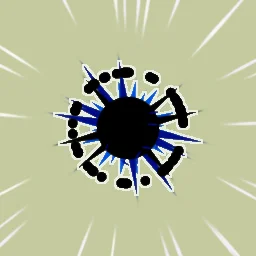 Anime hit flash
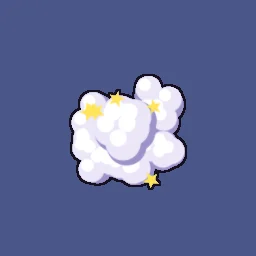 Smoke poof
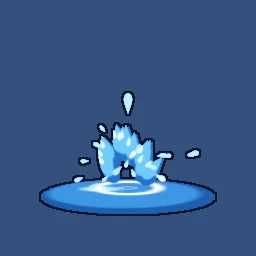 Water splash
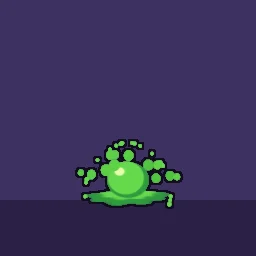 Slime splat
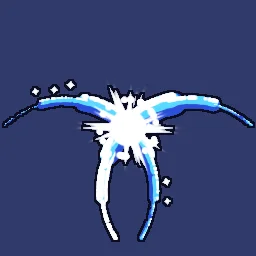 Crescent X slash
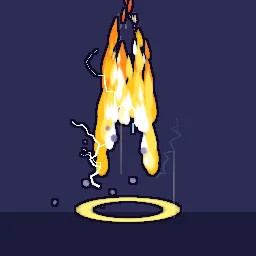 Anime Power-Up Aura
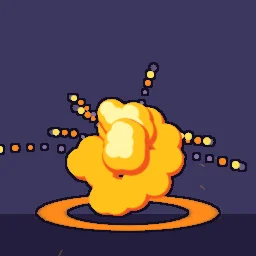 Cel explosion
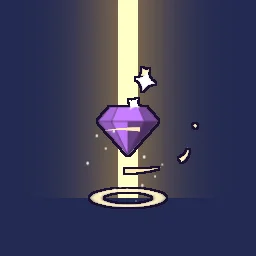 Rare drop sparkle
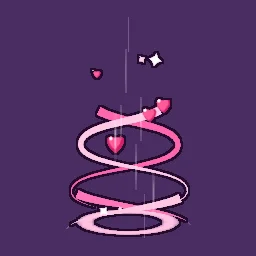 Magical girl ribbons
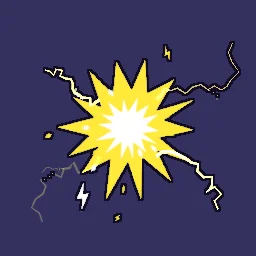 Cartoon shock
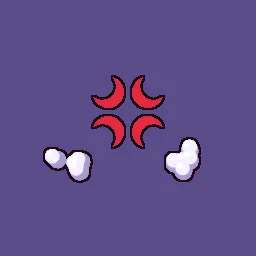 Anger vein
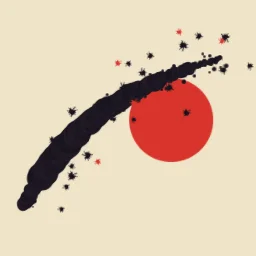 Ink brush slash
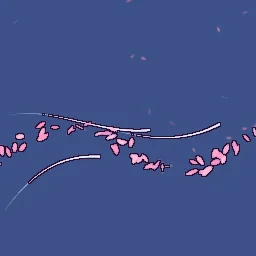 Sakura gust
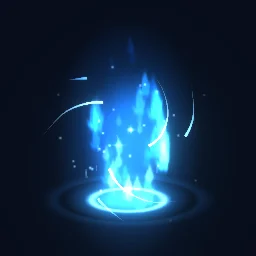 Chakra Energy Charge
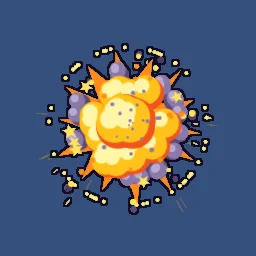 Cartoon Explosion
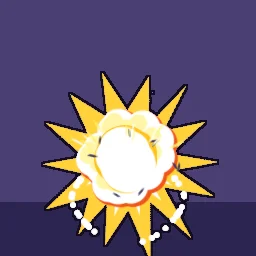 Cartoon Bomb Explosion
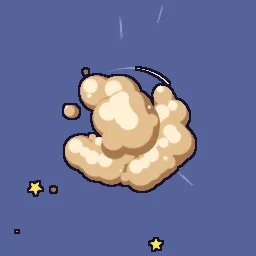 Cartoon Fight Dust Cloud
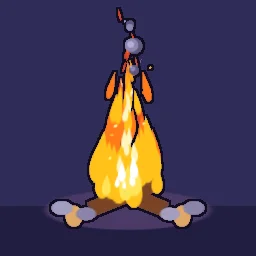 Cartoon Campfire
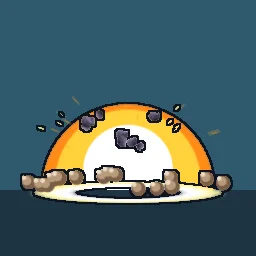 Anime Explosion
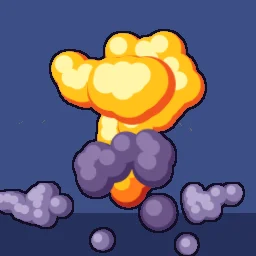 Cartoon Mushroom Cloud
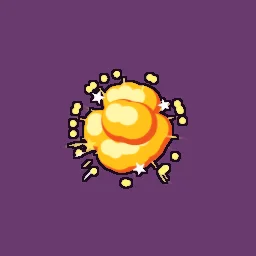 Small Cartoon Explosion
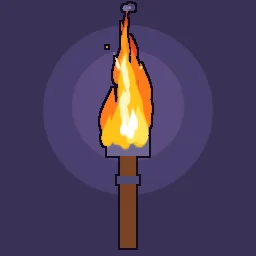 Cartoon Torch Fire
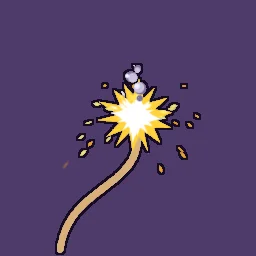 Cartoon Fuse Spark
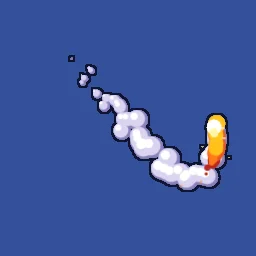 Cartoon Smoke Trail
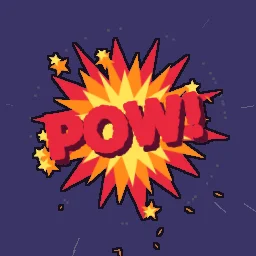 Comic Impact Burst
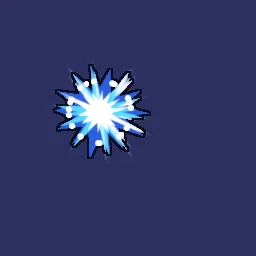 Anime Hit Sparks
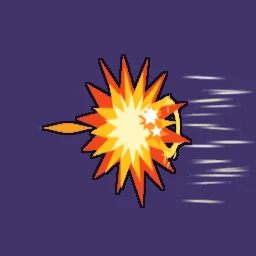 Cartoon Punch Impact
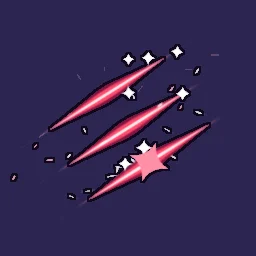 Anime Triple Slash
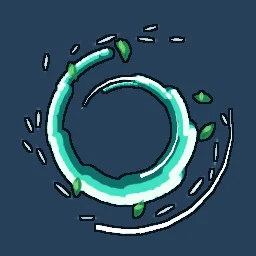 Spinning Slash
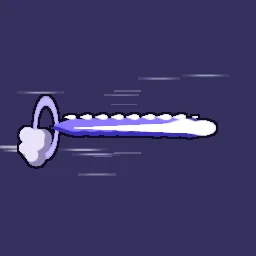 Anime Dash Afterimage
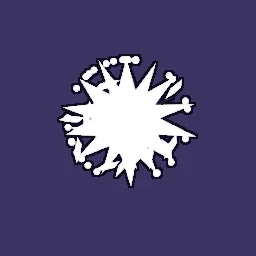 Guard Break Shatter
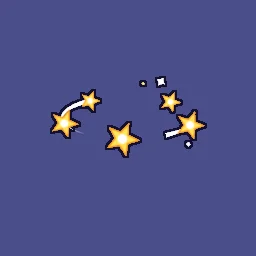 Cartoon Dizzy Stars
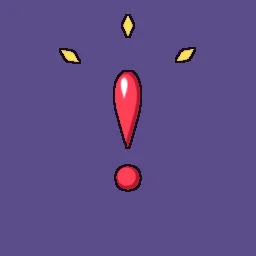 Surprise Exclamation Emote
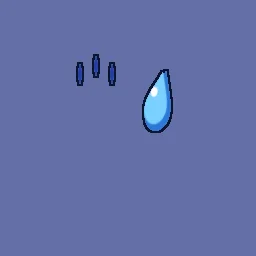 Anime Sweat Drop Emote
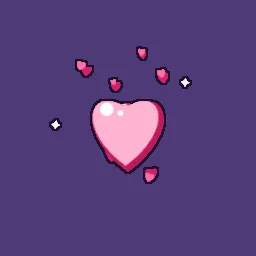 Heart Pop Emote
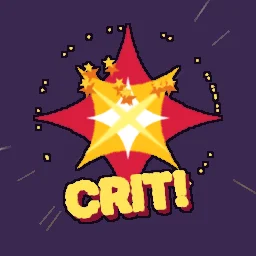 Cartoon Critical Hit
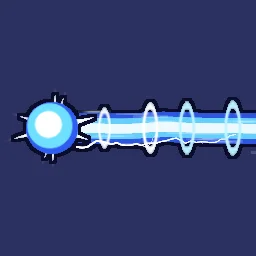 Anime Energy Blast
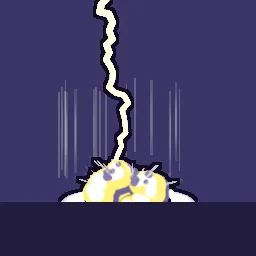 Anime Lightning Strike
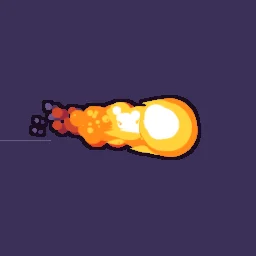 Anime Fireball
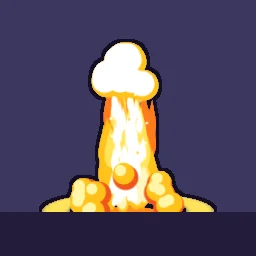 Anime Fire Burst
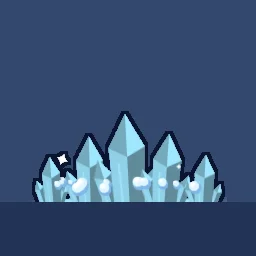 Cel-Shaded Ice Shards
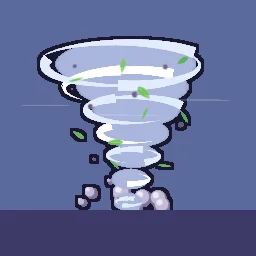 Cartoon Wind Tornado
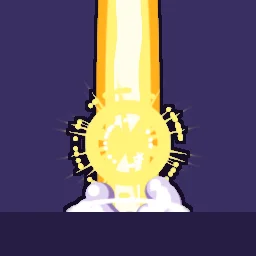 Anime Transformation Burst
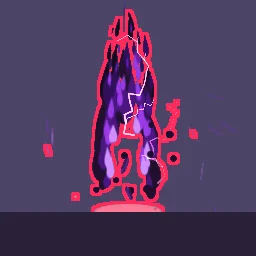 Dark Anime Aura
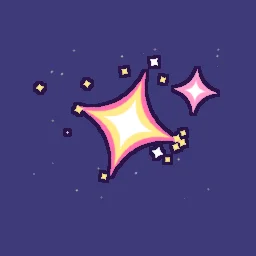 Anime Kira Sparkle
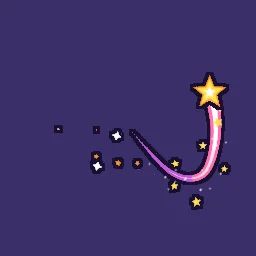 Cartoon Magic Wand Trail
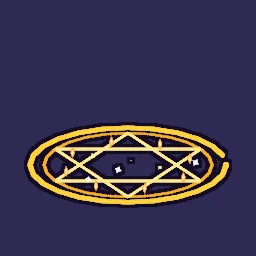 Cel-Shaded Magic Circle
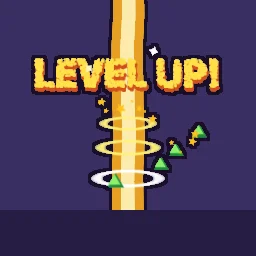 Cartoon Level Up
Cartoon-style effects in other categories
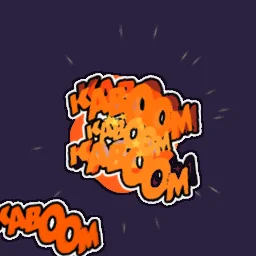
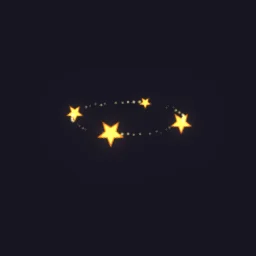
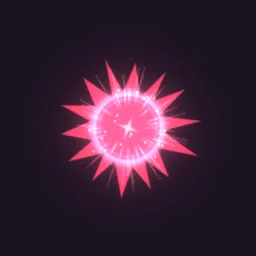
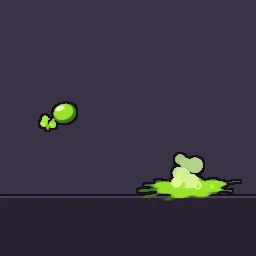
A few more effects in the same drawn style live with the combat and elemental effects: a comic-book KABOOM, circling stun stars, a manga impact frame and a gooey toon acid spit.
Cartoon explosion sprite sheets
For a cartoon explosion, open Cel Explosion and press PNG SHEET for a free spritesheet, or DOWNLOAD GIF for a preview. To change it first, open it in the studio: recolour the bands, make it bigger or shorter, then press Export, choose Spritesheet and set Frame rate to 12 or 24 for a hand-drawn feel. Smoke Poof is the matching vanish, and Comic Kaboom adds lettering.
Free to use in your game
Exported effects, including ones started from the library, can be used in any project, including paid commercial games such as a game sold on Steam. There is no per-project licence to buy and no credit needed. A few library effects contain CC BY 4.0 sprites by CodeManu; their pages say so and ask you to credit CodeManu. The full wording is in the terms.
Make your own toon effect in the studio
- Open the studio and select Effect settings. Under Canvas, set Background to a mid-value tint rather than black, so both dark ink and bright fills read while you work. Turn on Transparent before you export.
- Add an emitter and set its Blend to Normal. Use a hard-edged sprite such as circle, diamond, star or droplet, not the soft glow.
- Add Size over Life (Add module under Behaviour) with a pop: start small, overshoot past full size in the first few frames, hold, then shrink to nothing. Add Opacity over Life that stays at full until the very end, so shapes shrink away instead of turning see-through.
- Add Colour over Life and turn on Stepped, for example white, then yellow, then orange, then a purple smoke. The colour jumps between flat bands instead of blending, which is the cel-shaded look.
- For shading, stack layers: a darker shadow layer underneath the main body and a small, lighter highlight layer on top. The library effects show how they are layered; Cel Explosion uses three bands for each lobe.
- For the ink line, go to Post filters under Effect settings, press Add filter and choose Outline. A thickness of 2 in a very dark purple or navy looks more drawn than pure black.
- Time it like a cartoon: a one or two frame white flash, a fast launch slowed with Drag, a long hold, then a quick shrink. The timing guide has frame counts.
- Press Export and choose Spritesheet or GIF. A free account exports 3 effects a day.
Or describe it to the agent
The agent builds a real, editable effect on a live canvas, renders it, looks at the result and fixes what does not read. Name the style and the moment, for example "cel-shaded", "ink outline", "anime impact frame", "pops, holds and shrinks", and say whether it loops or plays once.
- Build a cartoon dust cloud for a running character (1 build)
- Build an anime sword clash (1 build)
- Build a toon heal (1 build)
Your first build needs no account. A free account gets 20 builds to start and 3 a day.
Learn the principles behind them
- Timing for 2D VFX: anticipation, impact and dissipation, holds and frame counts at 12, 24 and 30 fps.
- Shape language for VFX: what circles, triangles and squares say, silhouettes and primary, secondary and tertiary shapes.
- Colour for VFX: value before hue, stepped colour bands, limited palettes and additive versus normal blending.
Find your cartoon effect
Browse the whole library of 660+ effects, or describe the one you need. Every effect downloads free as a spritesheet or GIF.
Questions
What are cartoon FX?
Effects drawn in a cartoon or anime style: hard-edged shapes in flat colour bands, an ink outline, and snappy pop, hold and shrink timing, rather than soft realistic glow and smoke. They are typical of hand-drawn, cel-shaded and anime-inspired games.
Where can I get a free cartoon explosion sprite sheet?
Open the Cel Explosion effect page and press PNG SHEET. It downloads free with a transparent background and no account. Open it in the studio to change its colours, size, length or frame rate before you export.
Can I use these cartoon effects in a paid game?
Yes. Exported effects can be used in any project, including paid commercial games such as a game sold on Steam, with no per-project licence and no credit needed. The few effects that contain CC BY sprites by CodeManu say so on their page and ask for a credit to CodeManu.
What frame rate suits cartoon effects?
Hand-drawn effects are often animated at 12 fps, which keeps the snappy, drawn feel and makes small spritesheets. Choose 24 or 30 fps if the rest of your game animates smoothly. The studio exports the same effect at any rate.
Do these work in Unity, Godot and Roblox?
Yes. Spritesheets play in any engine, and every effect page also has a Roblox flipbook download. With a plan, the studio adds engine data for Unity, Godot 4, GameMaker, Phaser, PixiJS and Aseprite.
Also see
GuidesEnginesFree toolsAlternativesCoding agentsRobloxFree effectsMCP server