Pixel art smoke and dust
Free pixel art smoke and dust for games: smoke puffs, a smoke bomb, enemy death poofs, jump and landing dust, a dust devil and ground slams, as sprite sheets and GIFs.
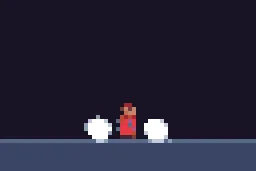
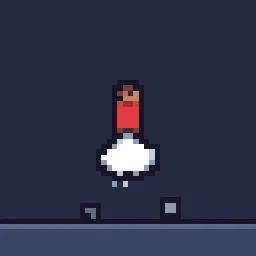
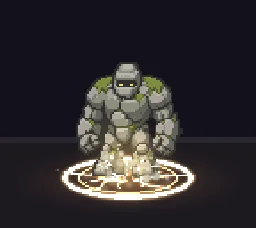
Smoke and dust are the glue of a pixel art game: a puff when an enemy dies, dust when a character lands, a cloud when a bomb goes off. They are small, quick and everywhere, so they need to read clearly without pulling the eye from the action.
Every effect here is free. Its page has DOWNLOAD GIF and PNG SHEET buttons that need no account: the files have a transparent background, are cropped to the effect and run at 30 frames a second. To change an effect first, press OPEN IN THE STUDIO; a free account exports 3 effects a day.
Puffs and poofs
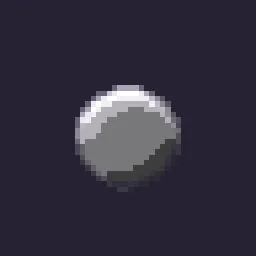
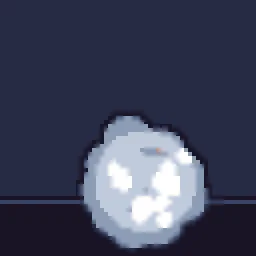
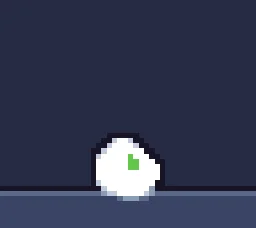
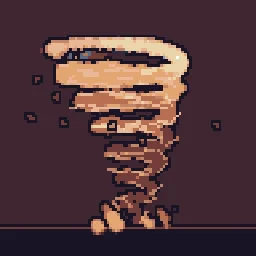
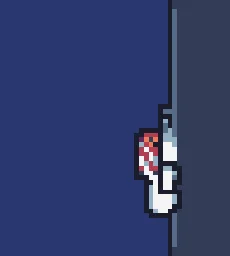
Movement dust
Smoke that stays clean on the grid
- Few, large, solid puffs. Soft see-through smoke breaks into speckles on a pixel grid. Use a handful of round, solid puffs in two or three shades instead.
- Lit from above. A lighter shade on the top of each puff and a darker one underneath makes flat circles read as volume.
- Swell and thin. Puffs grow as they rise and shrink away at the end, rather than fading through see-through.
- Match the ground. Landing dust takes the colour of the floor: beige on sand, grey on stone, brown on dirt.
Change it in the studio
- Open Jump & Land Dust in the studio.
- Under Quick tweaks, press a Colour swatch to match your floor, and Bigger or Smaller to fit your character.
- Press Export, choose Spritesheet and export. Play it once at the character’s feet on each landing.
- Build a pixel art enemy death poof (1 build)
More pixel smoke
Browse every pixel art effect in the library, or describe the one you need and the agent builds it as real, editable pixel art.
Questions
How do you draw pixel art smoke that does not look noisy?
Use a few large, solid puffs in two or three shades rather than soft transparent particles, light the top of each puff, and let them grow and then shrink away instead of fading. The smoke effects here are built that way and can be changed in the studio.
Can I use these pixel art effects in a commercial game?
Yes. Exported effects, including ones started from the library, can be used in any project, including paid games sold on Steam or console stores, with no per-project licence and no credit needed. The few effects that contain CC BY sprites by CodeManu say so on their page and ask you to credit CodeManu.
Why does my pixel art effect look blurry in the engine?
The engine is smoothing the texture when it scales it. Set the texture filter to nearest neighbour (Point in Unity, Nearest in Godot, turn off texture interpolation in GameMaker) and scale the sprite by whole numbers, such as 2x or 3x, so every pixel stays square.