Pixel art rain
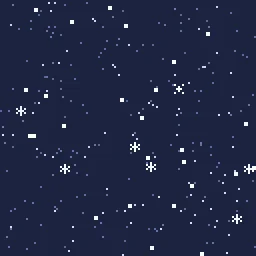
Free pixel art rain for games: a tileable rain overlay, rain loops, raindrop splashes, a thunderclap and snowfall, as seamless sprite sheets and GIFs.
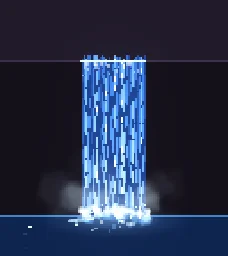
Rain in a pixel art game is usually two things: streaks that fall over the whole screen, and splashes where drops hit the ground. The overlays below tile, so one small loop covers a screen of any size, and the splashes play wherever a drop lands.
Every effect here is free. Its page has DOWNLOAD GIF and PNG SHEET buttons that need no account: the files have a transparent background, are cropped to the effect and run at 30 frames a second. To change an effect first, press OPEN IN THE STUDIO; a free account exports 3 effects a day.
Rain loops and overlays
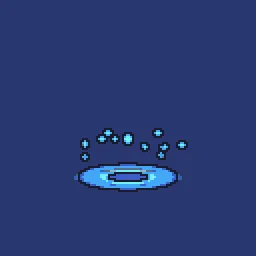
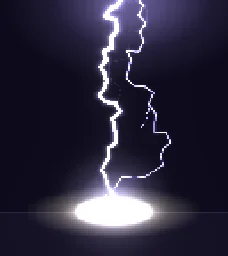
Splashes and storms

Cover a whole screen with one tile
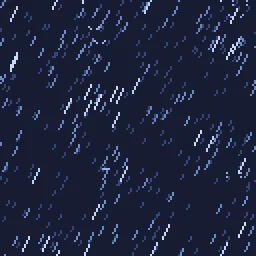
Pixel Art Rain Overlay tiles in both directions and loops in time, so its edges meet with no seam. Repeat it across the screen as a texture, or scroll it slowly as a parallax layer. In Godot, put it on a TextureRect with Stretch Mode set to Tile; in Unity, a sprite with Draw Mode set to Tiled; in GameMaker, a tiled background layer. The tileable rain and snow guide covers the details.
Rain that feels right
- Two layers. Fast, bright streaks in front and slower, dimmer ones behind give depth with almost no cost.
- A slant. A few degrees of angle reads as wind; straight down reads as calm. Keep every streak at the same angle, or it looks like noise.
- Short streaks. On a pixel grid, streaks 3 to 6 art pixels long read better than long lines.
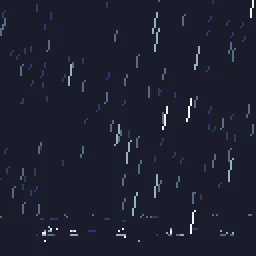
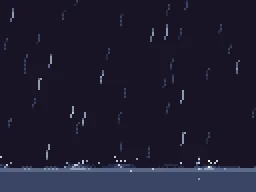
- Splashes sell it. A few splashes on the ground make thin rain feel heavy. Spawn Pixel Raindrop Splash at random points on the floor.
- Light for storms. A thunderclap or lightning strike every few seconds, with the screen briefly brightened, turns rain into a storm.
Change it in the studio
- Open Pixel Art Rain Overlay in the studio.
- Under Quick tweaks, More or Fewer sets how heavy the rain is, and Faster or Slower how hard it falls.
- Press Show tiled in the stage toolbar to see copies around the canvas, so you can check there is no seam.
- Press Export and choose Spritesheet or GIF. A tiled effect always exports exactly one tile.
More pixel weather
Browse every pixel art effect in the library, or describe the one you need and the agent builds it as real, editable pixel art.
Questions
How do I make pixel art rain loop seamlessly?
Use an effect that loops in time and tiles in space, such as Pixel Art Rain Overlay: its last frame leads into its first and its edges meet with no seam. Play it as a looping animation and repeat it as a tiled texture across the screen.
Does the rain work on any screen size?
Yes. The tileable overlays are small tiles that repeat, so they cover any resolution or aspect ratio without stretching. Repeat the tile rather than scaling it, and keep pixel art at whole-number scales.
Can I use these pixel art effects in a commercial game?
Yes. Exported effects, including ones started from the library, can be used in any project, including paid games sold on Steam or console stores, with no per-project licence and no credit needed. The few effects that contain CC BY sprites by CodeManu say so on their page and ask you to credit CodeManu.