Pixel art auras and status effects
Free pixel art auras and status effects for games: power-up auras, heals, shields and buffs, plus burning, poisoned, frozen and stunned, as looping sprite sheets and GIFs.
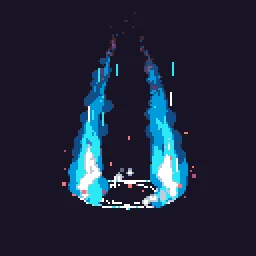
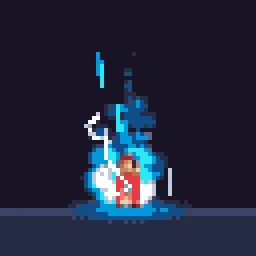
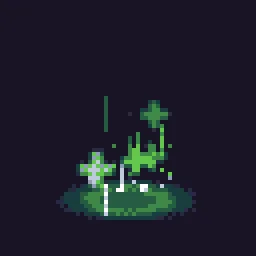
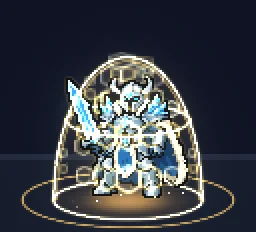
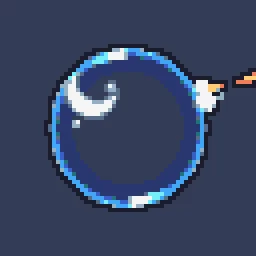
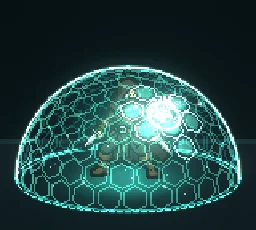
An aura sits on a character and loops for as long as the state lasts: a power-up, a shield, a buff, or a status like burning or poisoned. It has to read at a glance in the middle of a fight, so each state needs its own colour and its own motion.
Every effect here is free. Its page has DOWNLOAD GIF and PNG SHEET buttons that need no account: the files have a transparent background, are cropped to the effect and run at 30 frames a second. To change an effect first, press OPEN IN THE STUDIO; a free account exports 3 effects a day.
Power-ups, heals and shields
Status effects
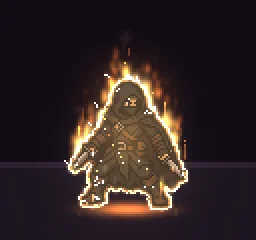
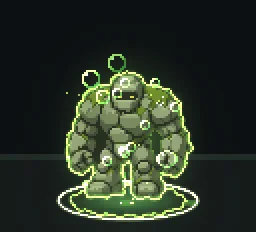
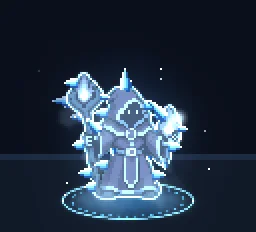
These were made around a stand-in character so they fit one: the character is scenery, so the download holds only the effect. Play the loop on top of your own character sprite for as long as the status lasts.
Readable at a glance
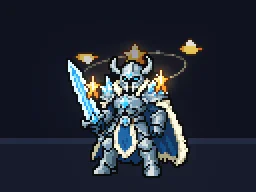
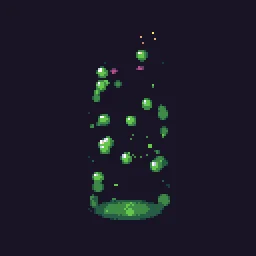
- One colour per state. Gold for power, green for heal or poison (a bright mint for healing, a sickly olive for poison), blue for shields and frost, red and orange for burning.
- One motion per state. Rising motes for power and heals, bubbles for poison, a slow shimmer for shields, flickering tongues for fire, circling stars for stun.
- Behind and in front. Put the back half of a ring or glow behind the character and the front half in front, so the aura wraps around them instead of pasting over them.
- Keep the face clear. An aura that covers the character hides the animation underneath; keep it to the outline and the space around.
Change it in the studio
- Open Pixel Art Aura in the studio.
- Under Quick tweaks in Effect settings, press a Colour swatch for a different state, and Bigger or Smaller to fit your character.
- For the status effects, the stand-in character is scenery: it shows while you edit so you can judge the fit, and it is left out of the export.
- Press Export and choose Spritesheet.
- Build a pixel art rage aura (1 build)
- Build a pixel art poisoned status (1 build)
More pixel auras
Browse every pixel art effect in the library, or describe the one you need and the agent builds it as real, editable pixel art.
Questions
How do I put a pixel aura on my character?
Play the looping aura as a second sprite on top of your character, centred on them, for as long as the state lasts. For depth, split it into a back layer drawn under the character and a front layer drawn over them.
Can I use these pixel art effects in a commercial game?
Yes. Exported effects, including ones started from the library, can be used in any project, including paid games sold on Steam or console stores, with no per-project licence and no credit needed. The few effects that contain CC BY sprites by CodeManu say so on their page and ask you to credit CodeManu.
Why does my pixel art effect look blurry in the engine?
The engine is smoothing the texture when it scales it. Set the texture filter to nearest neighbour (Point in Unity, Nearest in Godot, turn off texture interpolation in GameMaker) and scale the sprite by whole numbers, such as 2x or 3x, so every pixel stays square.