Pixel art fireballs and fire effects
Free pixel art fireballs and fire effects for games: a fireball projectile, fire blasts, fire breath, a meteor, campfires, torches and burning, as sprite sheets and GIFs.
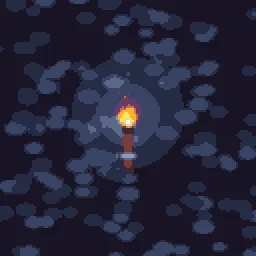
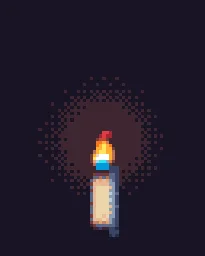
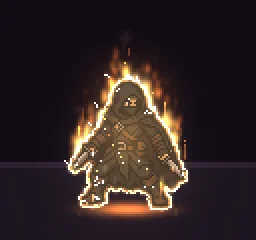
Pixel fire in three kinds: things you throw (a fireball, a blast, a meteor), things that burn in place and loop (a campfire, a brazier, a torch, a candle), and fire on a character (burning). Pick the kind first: a projectile and its impact are separate effects in most games, while a loop has to repeat with no visible jump.
Every effect here is free. Its page has DOWNLOAD GIF and PNG SHEET buttons that need no account: the files have a transparent background, are cropped to the effect and run at 30 frames a second. To change an effect first, press OPEN IN THE STUDIO; a free account exports 3 effects a day.
Fireballs, blasts and breath
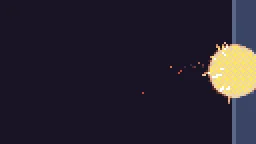 Pixel Fireball
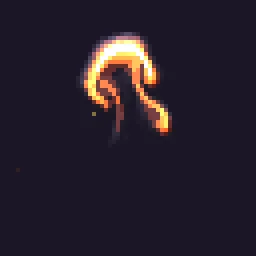 Pixel Fire Blast
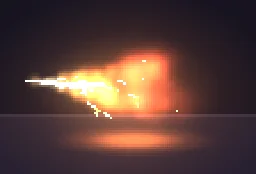 Pixel Art Fire Breath
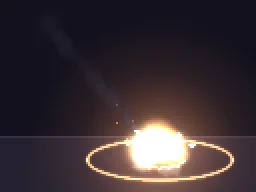 Pixel Art Meteor Impact
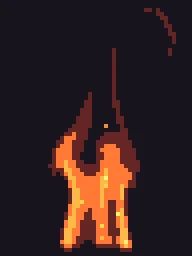 Pixel Fire Column
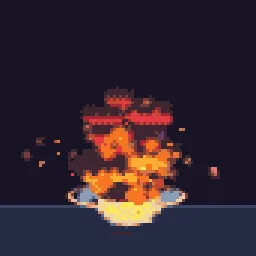 Big Explosion
Campfires, torches and braziers that loop
These loop seamlessly, so they can sit in a level for as long as you like. Place them on the ground or a wall as animated sprites; a smaller copy at the back adds depth.
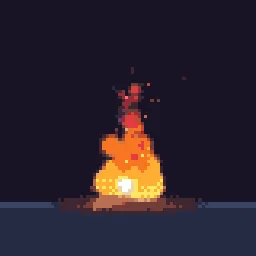
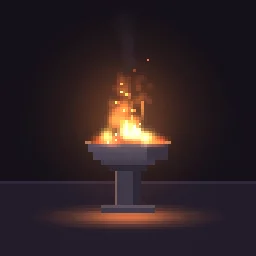
What makes a pixel fireball read
- A hot core. A white or pale yellow centre, a yellow and orange body, and red only at the tail. Fire that is orange all the way through looks flat.
- A trail that cools. Embers fall behind and fade from orange to red to grey smoke, which tells the player which way it is moving.
- A separate impact. When the fireball lands, swap it for a burst: one or two white frames, a ring, sparks that bounce, then smoke that clears. Pixel Fire Blast and Big Explosion are impacts.
- Few, big pixels. At a pixel size of 3, a fireball 8 to 12 art pixels across reads from across the screen; speckles of single pixels do not.
Change it in the studio
- Open Pixel Fireball in the studio.
- Select Effect settings. Under Quick tweaks, press a Colour swatch for a blue, green or purple fireball, and Bigger or Smaller to resize it.
- Under Pixel art and palette, Pixel size sets how chunky the pixels are: 2 for fine detail, 3 or 4 for a bold retro look.
- Press Export, choose Spritesheet and set Frame rate to 12 for a hand-animated feel or 24 for smoother motion. Pixel art always exports sharp, with no motion blur.
Or describe it
- Build a pixel art fireball with a smoke trail (1 build)
- Build a pixel art fireball impact (1 build)
More pixel fire
Browse every pixel art effect in the library, or describe the one you need and the agent builds it as real, editable pixel art.
Questions
Where can I download a pixel fireball sprite sheet?
Open the Pixel Fireball effect page and press PNG SHEET. The spritesheet downloads free with a transparent background and no account. Press DOWNLOAD GIF for an animated GIF of the same effect.
How many frames should a pixel fireball have?
A looping fireball reads well with 6 to 12 frames at 12 fps. An impact needs more, about 10 to 20 frames, because it has a flash, a burst and smoke that clears. In the studio, the export Frame rate sets how many frames are written.
Can I use these pixel art effects in a commercial game?
Yes. Exported effects, including ones started from the library, can be used in any project, including paid games sold on Steam or console stores, with no per-project licence and no credit needed. The few effects that contain CC BY sprites by CodeManu say so on their page and ask you to credit CodeManu.