Roblox flipbook templates
Free Roblox flipbook templates for a ParticleEmitter: transparent 1024 px 2x2, 4x4 and 8x8 grids with frame numbers and safe margins, the frame sizes, and how to fill one or turn a GIF into a flipbook.
A Roblox flipbook is one square image split into a grid of frames, which a ParticleEmitter plays one after another on each particle. The templates below are the three grids Roblox reads, drawn on a transparent 1024 px square with every frame numbered in the order Roblox plays them, so you can draw straight into the cells.
Download the templates
- 2x2 template: 4 frames of 512 px, for a quick flash or a pulse.
- 4x4 template: 16 frames of 256 px, the usual choice for hits, poofs and short loops.
- 8x8 template: 64 frames of 128 px, for longer or smoother effects such as explosions and fire.
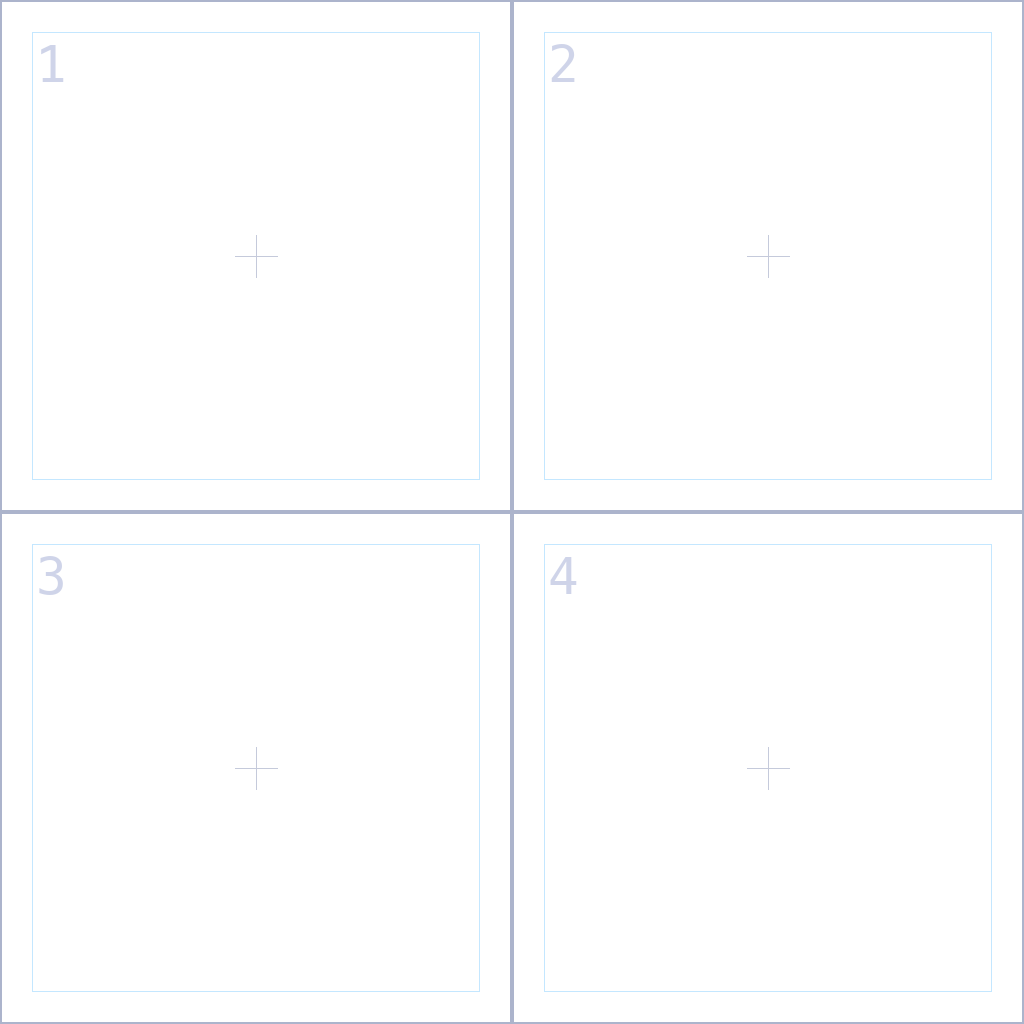
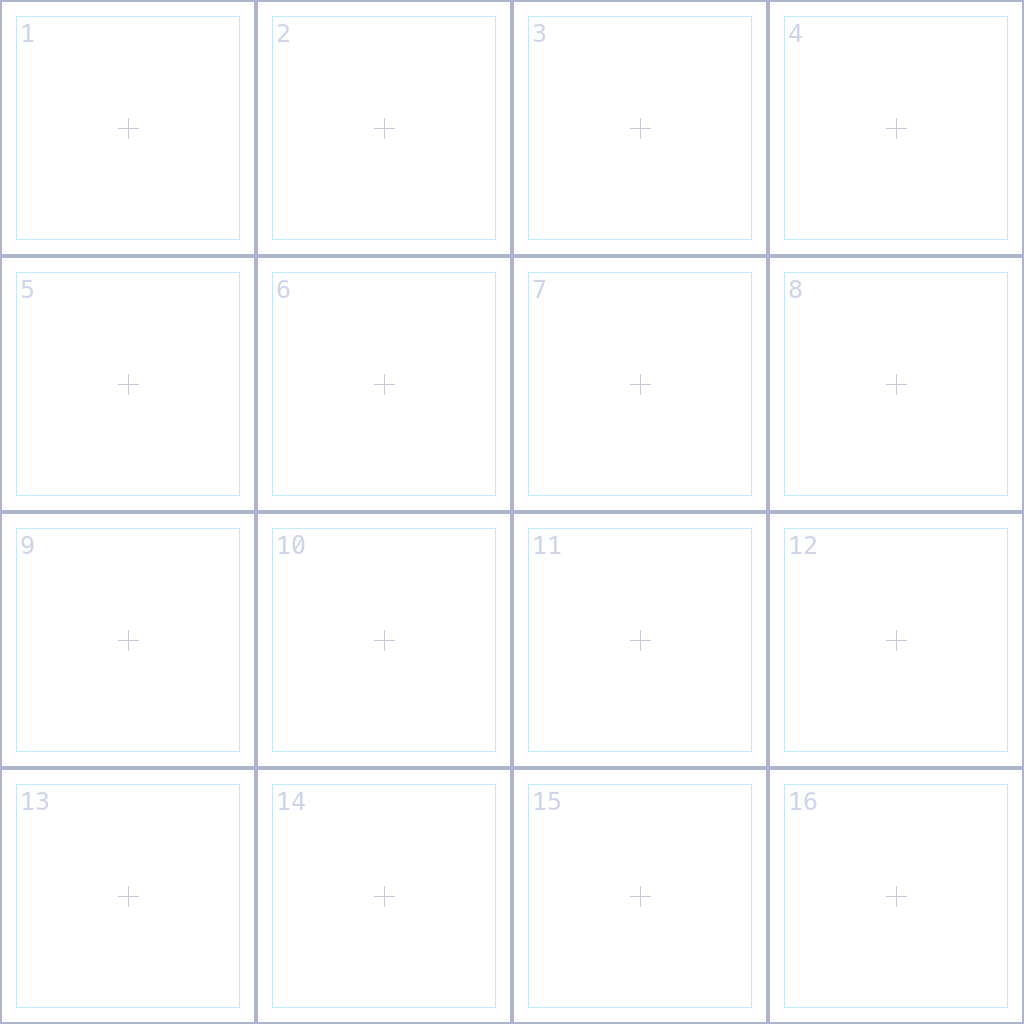
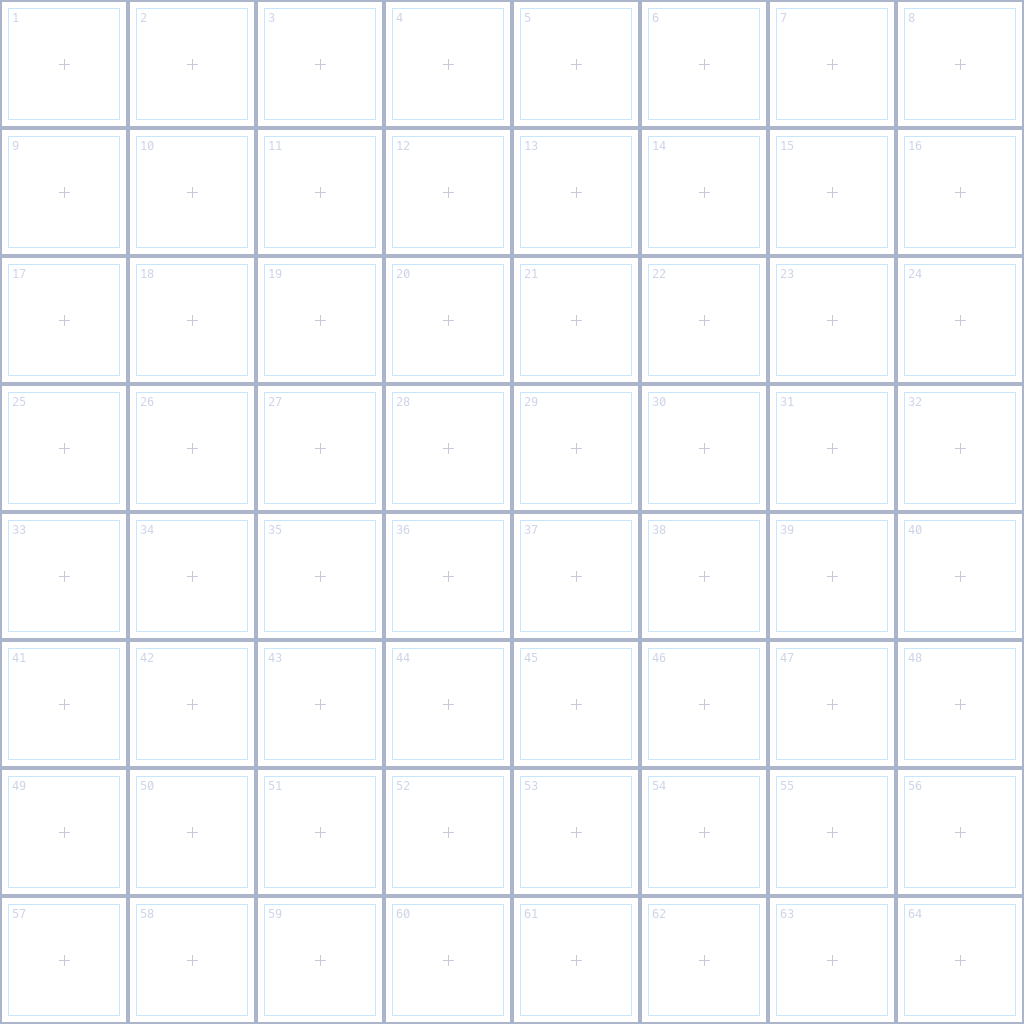
Each cell has a centre mark and an inner box. Keep your drawing inside the box: the empty margin stops a frame from bleeding into its neighbour when Roblox shrinks the texture with distance. Draw on a layer above the template and hide the template before you export, or the lines and numbers show in game.
| FlipbookLayout | Frames | Frame size at 1024 | At 512 | At 256 |
|---|---|---|---|---|
| Grid2x2 | 4 | 512 px | 256 px | 128 px |
| Grid4x4 | 16 | 256 px | 128 px | 64 px |
| Grid8x8 | 64 | 128 px | 64 px | 32 px |
The rules a flipbook has to follow
- Square. The image must be square, and its grid must match FlipbookLayout exactly.
- 1024 px at most. Roblox scales larger uploads down, so a 2048 px sheet only costs you detail. Smaller is fine: 512 px suits small effects.
- Every cell used. The emitter plays all 4, 16 or 64 frames. With fewer drawings, hold a drawing over two cells rather than leaving cells empty, or the effect blinks out.
- Transparent background. Save a PNG with real transparency. A black background shows as a black square unless LightEmission is 1.
- Timing. With FlipbookMode set to OneShot, Roblox spreads the frames evenly over the particle's Lifetime, so the Lifetime is the length of the effect. With Loop or PingPong, FlipbookFramerate sets the speed instead.
Fill it in an art program
- Open the template in Aseprite, Photoshop, Krita or any program with layers, and add a new layer above it.
- Draw frame 1 in cell 1, frame 2 in cell 2, and so on, keeping each drawing inside the inner box and centred on the mark so the effect does not drift.
- Hide the template layer and export a PNG with transparency at 1024 px. In Aseprite you can also draw each frame at 128 or 256 px on its own and use File > Export Sprite Sheet with By Rows and 8 or 4 columns.
- Upload the PNG and set up the emitter as on the Roblox setup page.
A hand-drawn flipbook has no fixed length, so choose its speed: this script plays a 4x4 sheet at 12 frames a second, one particle per cycle, using the same names as the setup page.
-- A Script inside the part. In Properties, set its RunContext to Client.
-- Plays a hand-drawn 4x4 flipbook (16 frames) at 12 frames a second, over and over.
local emitter = script.Parent:WaitForChild("Attachment"):WaitForChild("Flipbook")
local FRAMES, FPS = 16, 12
local cycle = FRAMES / FPS

emitter.FlipbookLayout = Enum.ParticleFlipbookLayout.Grid4x4
emitter.FlipbookMode = Enum.ParticleFlipbookMode.OneShot
emitter.Lifetime = NumberRange.new(cycle)
emitter.Rate = 0

while true do
	emitter:Clear()
	emitter:Emit(1)
	task.wait(cycle)
end
Or skip the drawing
Every effect in the library already downloads as a finished flipbook: press ROBLOX on any effect page, with no account. The grid is picked from the effect's length, and the page shows the FlipbookLayout and Lifetime to use. These are popular starting points:
 Bullet Hit Sparks
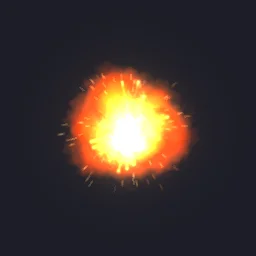 Midair Fireball Explosion
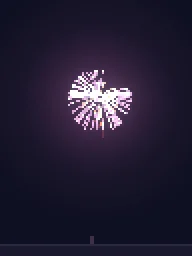 Pixel Art Firework Burst
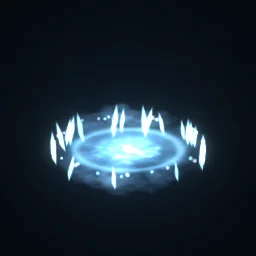 Frost Nova
 Coin Pickup
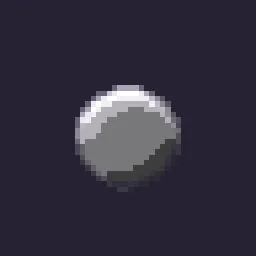 Pixel Smoke Puff
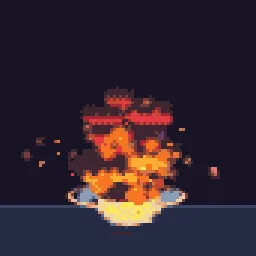 Big Explosion
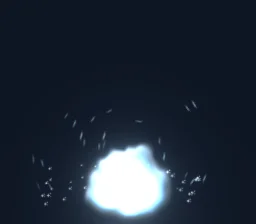 Frost Explosion
To turn your own GIF into a flipbook, open the studio, make the canvas square under Effect settings, and drag the GIF onto the stage: it becomes a layer that plays your animation. Then press Export, choose Roblox, and download the flipbook PNG. A free account exports 3 effects a day.
Get it into your game
Every setting and both ways in, free PNG or ready model, are on the Roblox setup page. More picks by genre are on Free Roblox VFX, and any effect can be changed in the studio before you export it: flipbook-template.
Questions
What size should a Roblox flipbook be?
Square and at most 1024 by 1024 pixels, because Roblox scales larger images down. At 1024, a 2x2 grid gives 512 px frames, 4x4 gives 256 px and 8x8 gives 128 px.
Which way do the frames go?
Row by row from the top left: frame 1 is the top left cell, the first row runs left to right, then the next row starts again on the left. The templates are numbered in this order.
How do I set the speed of a flipbook?
With FlipbookMode OneShot, the frames are spread evenly over the particle Lifetime, so set the Lifetime to the length of the effect. With Loop or PingPong, FlipbookFramerate sets how many frames play each second.
Can I use these effects in a game that earns Robux?
Yes. Exported effects, including ones started from the library, may be used in any project, commercial games included, with no credit required. Reselling the library itself as an effect pack is not allowed.