Free Roblox VFX pack
Free Roblox VFX pack: 24 flipbook effects for a ParticleEmitter (hits, slashes, auras, explosions, simulator, tower defense, obby and UI) in one ZIP with each effect's settings. Make as many more as you want.
Twenty-four effects that cover what most Roblox games need: hits and slashes for fights, auras, explosions, rewards for simulators, tower defense effects, obby pads and checkpoints, and UI pops. One button below builds the ZIP right here in your browser: a flipbook PNG for each effect, a README with each one's FlipbookLayout, Lifetime and LightEmission, and the script that plays them.
Built in your browser in about a minute, free, no account.
What is in the pack
- Fights: Anime Impact Frame, Counter Hit Flash, Ground Slam Crater, Katana Combo, Blazing Combo and Frost Edge.
- Auras: Lightning Charge Aura, Energy Aura and Regeneration.
- Explosions: Rolling Fireball, Plasma Detonation and Comic Kaboom.
- Simulators: Rebirth Burst, Pet Egg Hatch and Gem Shower.
- Tower defense: Tower Upgrade, Enemy Defeat Coin Drop and Frost Nova.
- Obby: Win Pad, Checkpoint and Speed Boost Pad.
- UI: Achievement Unlocked, Quest Complete and Cooldown Ready.
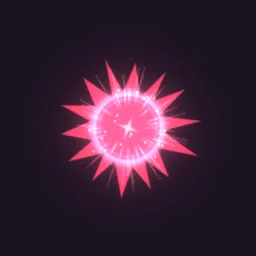 Anime Impact Frame
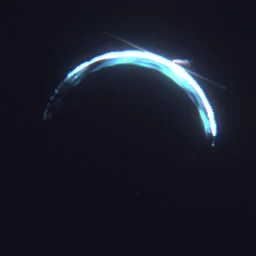 Katana Combo
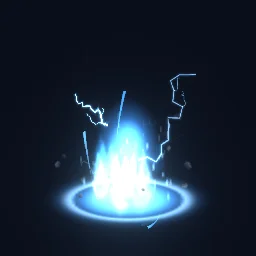 Lightning Charge Aura
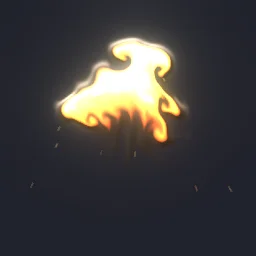 Rolling Fireball Explosion
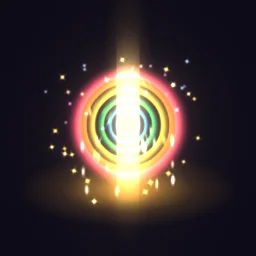 Rebirth Burst
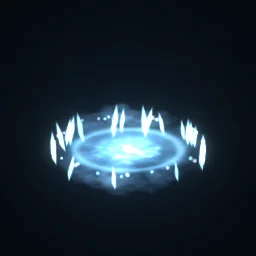 Frost Nova
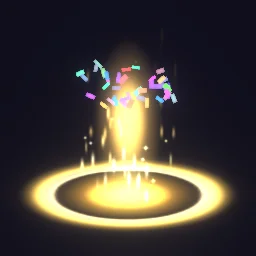 Win Pad
 Achievement Unlocked
Set one up in Roblox
- Unzip the pack. In Studio, open View > Asset Manager, click Import and choose a PNG. When it has uploaded, right-click it and choose Copy Asset ID.
- Insert a Part (Anchored on, CanCollide off, Transparency 1), add an Attachment to it and a ParticleEmitter to the Attachment, and name the emitter
Flipbook. - Set FlipbookLayout, FlipbookMode OneShot, Lifetime and LightEmission as the README lists for that effect, with Texture set to
rbxassetid://and your id. Every other property is on the Roblox setup page. - Add a Script to the part, set its RunContext to Client, and paste
PlayLoop.luaufrom the ZIP:
-- A Script inside the part. In Properties, set its RunContext to Client.
local emitter = script.Parent:WaitForChild("Attachment"):WaitForChild("Flipbook")
local cycle = emitter.Lifetime.Max

-- A looping effect: one particle per cycle, each playing the whole flipbook.
while true do
	emitter:Clear()
	emitter:Emit(1)
	task.wait(cycle)
end

-- A one-shot instead: call emitter:Clear() and emitter:Emit(1) once, when it should play.
Make as many more as you want
The pack is a starting point. The library has 850+ effects, and every one downloads free as a Roblox flipbook from its own page with the ROBLOX button, no account needed. Free Roblox VFX picks them by genre.
- Change any effect. Press OPEN IN THE STUDIO on its page. Under Quick tweaks, recolour it, make it bigger or faster, then press Export and choose Roblox. A free account exports 3 effects a day.
- Describe a new one. The AI builder makes a real, editable effect from a sentence, for example a purple anime dash with afterimages or a rebirth burst in gold and cyan. Your first build needs no account.
- Draw your own. The flipbook templates are blank 2x2, 4x4 and 8x8 grids with the frames numbered.
Get it into your game
Every setting and both ways in, free PNG or ready model, are on the Roblox setup page. More picks by genre are on Free Roblox VFX, and any effect can be changed in the studio before you export it: free-vfx-pack.
Questions
Is the Roblox VFX pack really free?
Yes. The pack downloads free with no account. It is built in your browser from the same flipbooks as the ROBLOX button on each effect page, which are free too.
Why is the pack built in my browser?
So it always matches the library and downloads as fast as your computer can render it, usually in about a minute. Nothing is uploaded: the effects render on your machine and the ZIP is saved straight to your downloads.
Can I change the colours of the effects in the pack?
Yes. Open any effect in the studio from its page, recolour it, resize it or change its timing, then export it as a Roblox flipbook again.
Can I use these effects in a game that earns Robux?
Yes. Exported effects, including ones started from the library, may be used in any project, commercial games included, with no credit required. Reselling the library itself as an effect pack is not allowed.