Pixel art explosions and bombs
Free pixel art explosions for games: a cartoon bomb, dynamite, a landmine, a classic blast, a rocket hit and a boss death chain, as sprite sheets and GIFs.
A pixel explosion has a shape people know from decades of games: a frame or two of white, a ball of stepped colour that goes white, yellow, orange, red, then smoke that shrinks away, with a few chunks thrown out. The ones below follow it, and the bombs add the moment before: a fuse that burns down and a blink that speeds up, so the player has time to run.
Every effect here is free. Its page has DOWNLOAD GIF and PNG SHEET buttons that need no account: the files have a transparent background, are cropped to the effect and run at 30 frames a second. To change an effect first, press OPEN IN THE STUDIO; a free account exports 3 effects a day.
Bombs and blasts
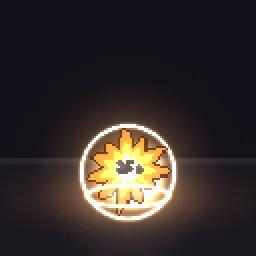 Pixel Art Bomb Explosion
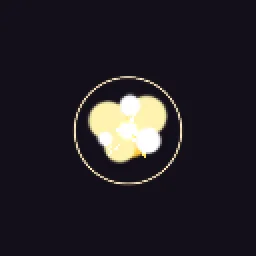 Pixel Art Explosion
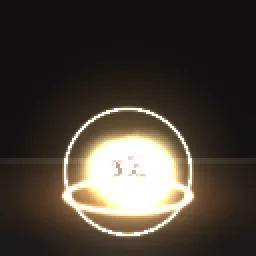 Pixel Art Dynamite Explosion
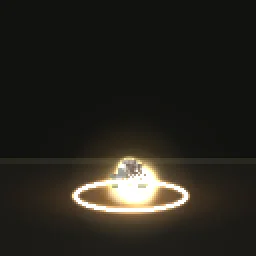 Pixel Art Landmine
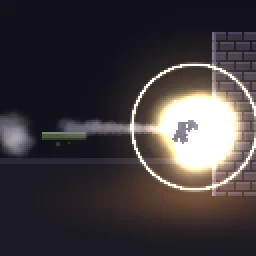 Pixel Art Rocket Launcher
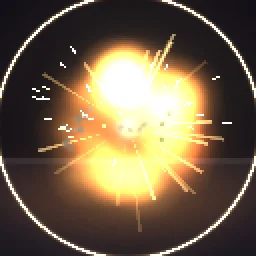 Pixel Art Boss Explosion
More pixel explosions
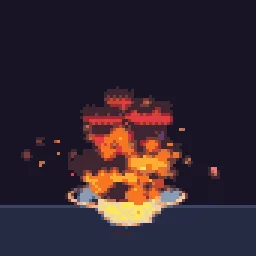 Big Explosion
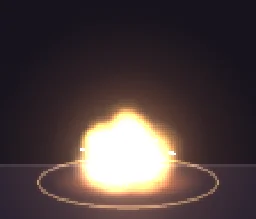 Pixel Art Barrel Explosion
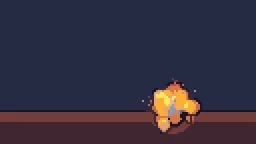 Pixel Bomb Toss
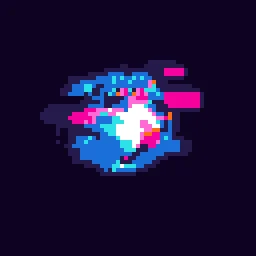 Digital Explosion Pixel Art
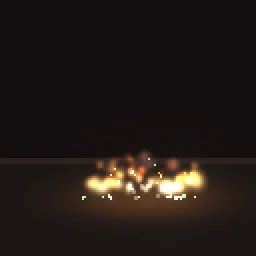 Pixel Art Molotov Cocktail
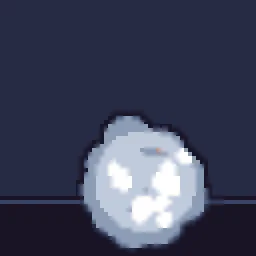 Smoke Bomb
What makes a pixel explosion read
- A white frame first. One or two frames of white or pale yellow at full size, before any colour, is what makes it feel loud.
- Stepped colour, not gradients. Each ring of the blast is one flat colour, and the whole ball steps from white to yellow to orange to red as it grows. Pixel Art Explosion is the classic version.
- Smoke that shrinks. Dark round puffs that get smaller and drift up read better on a pixel grid than smoke that fades out.
- Debris on the floor. Chunks that fly out, land and bounce tell the player where the ground is. Bomb Explosion throws its shell, Dynamite Explosion throws paper scraps.
- Hang time. Leave a few frames after the last puff before the loop restarts, so a repeated explosion does not feel like a strobe.
Play one in your engine
Spawn the explosion as an animated sprite at the impact point, play it once and remove it when the last frame ends: in Godot, an AnimatedSprite2D whose animation_finished signal calls queue_free(); in Unity, an Animator on a prefab destroyed after the clip length; in GameMaker, an object whose Animation End event destroys it. Shake the camera for 4 to 8 frames on the white frame.
Change it in the studio
- Open Pixel Art Bomb Explosion in the studio.
- Select Effect settings. Under Quick tweaks, press a Colour swatch for a green poison blast or a blue plasma one, and Bigger or Smaller to resize it.
- Under Pixel art and palette, Pixel size sets how chunky the pixels are, and Palette snaps every colour to PICO-8, NES, Endesga 32 and others.
- Press Export and choose Spritesheet. Set Frame rate to 12 for a hand-animated feel.
Or describe it
- Build a pixel art grenade explosion (1 build)
- Build a pixel art nuke (1 build)
More pixel explosions
Browse every pixel art effect in the library, or describe the one you need and the agent builds it as real, editable pixel art.
Questions
Where can I download a pixel art explosion sprite sheet?
Open any explosion on this page and press PNG SHEET. The spritesheet downloads free with a transparent background and no account, and DOWNLOAD GIF gives an animated GIF of the same effect.
How many frames does a pixel explosion need?
About 8 to 16 frames at 12 fps for a small blast, and 20 or more for a big one with smoke. In the studio, the export Frame rate sets how many frames are written from the same effect.
Why does my pixel art effect look blurry in the engine?
The engine is smoothing the texture when it scales it. Set the texture filter to nearest neighbour (Point in Unity, Nearest in Godot, turn off texture interpolation in GameMaker) and scale the sprite by whole numbers, such as 2x or 3x, so every pixel stays square.
Can I use these pixel art effects in a commercial game?
Yes. Exported effects, including ones started from the library, can be used in any project, including paid games sold on Steam or console stores, with no per-project licence and no credit needed. The few effects that contain CC BY sprites by CodeManu say so on their page and ask you to credit CodeManu.