Pixel art hit effects
Free pixel art hit effects for games: light, medium and heavy hits, a punch, a critical star, and fire, ice, electric and blood hits, as sprite sheets and GIFs.
A hit effect is the few frames that tell the player an attack connected and how hard. Most games need a small set: a light, a medium and a heavy hit for normal damage, one for a critical, and one per damage type, so fire, ice and electricity each look different on the same enemy.
Every effect here is free. Its page has DOWNLOAD GIF and PNG SHEET buttons that need no account: the files have a transparent background, are cropped to the effect and run at 30 frames a second. To change an effect first, press OPEN IN THE STUDIO; a free account exports 3 effects a day.
Hits by weight
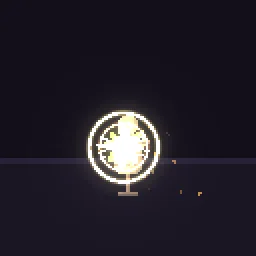 Pixel Art Hit Effect
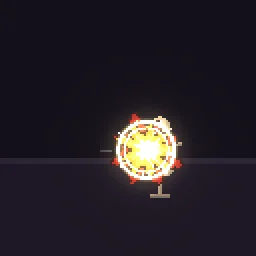 Pixel Art Punch Hit
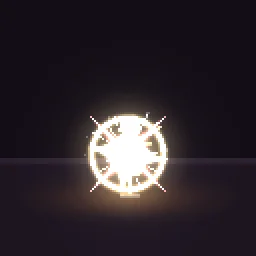 Pixel Art Critical Hit Star
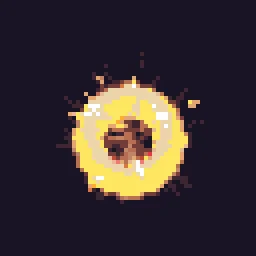 Crit Hit
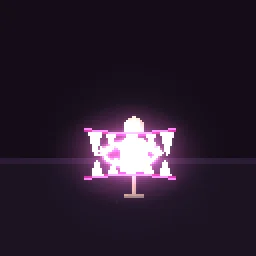 Pixel Art Bite Attack
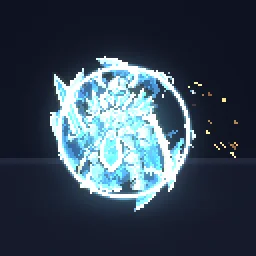 Pixel Art Shield Break
Hits by damage type
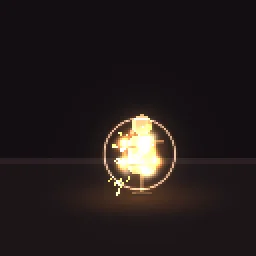 Pixel Art Fire Hit
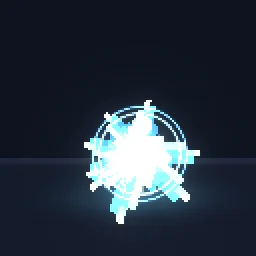 Pixel Art Ice Hit
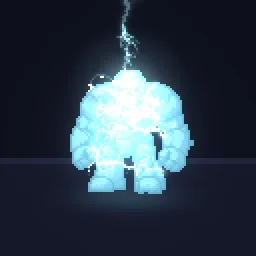 Pixel Art Electric Shock
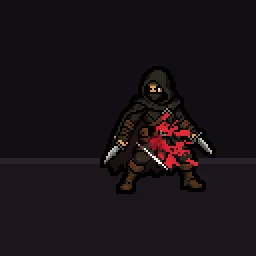 Pixel Art Blood Hit
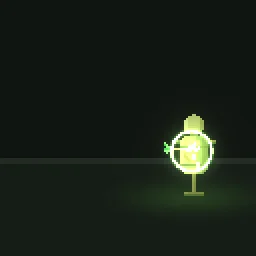 Pixel Art Poison Dart
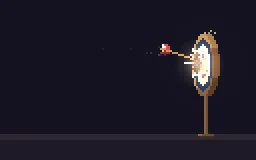 Pixel Art Arrow Hit
Make hits feel strong
- One white frame. The first frame is a flat white or pale shape: a star, a disc or a few spokes. It is the frame the eye catches.
- Scale by weight. A light hit is about the size of a fist, a heavy one twice that with a ring; a critical adds a second colour and lingers a few frames longer.
- Hit-stop. Freeze the attacker and the target for 2 to 4 frames on contact while the effect plays. This does more for the feel than any particle.
- Flash the target. Turn the enemy sprite white for one frame on the same frame as the hit spark.
- Spawn at the contact point, not the enemy's centre, and turn directional hits to face away from the attacker.
Change it in the studio
- Open Pixel Art Hit Effect in the studio. It has a light, a medium and a heavy hit in one loop.
- Under Quick tweaks, press a Colour swatch to match a damage type, and Bigger or Smaller to fit your sprites.
- Press Export, choose Spritesheet, and trim each hit into its own animation in your engine, or export each at its own time range.
Or describe it
- Build pixel art hit sparks for a fighting game (1 build)
- Build a pixel art holy damage hit (1 build)
More pixel hit effects
Browse every pixel art effect in the library, or describe the one you need and the agent builds it as real, editable pixel art.
Questions
How many hit effects does a game need?
Usually three weights (light, medium, heavy), one critical, and one for each damage type your game has. Reusing them everywhere keeps hits readable, because the player learns what each one means.
Where do I put the hit effect?
At the point of contact, on a layer above both characters, played once. For directional attacks, flip or rotate it to point away from the attacker.
Why does my pixel art effect look blurry in the engine?
The engine is smoothing the texture when it scales it. Set the texture filter to nearest neighbour (Point in Unity, Nearest in Godot, turn off texture interpolation in GameMaker) and scale the sprite by whole numbers, such as 2x or 3x, so every pixel stays square.
Can I use these pixel art effects in a commercial game?
Yes. Exported effects, including ones started from the library, can be used in any project, including paid games sold on Steam or console stores, with no per-project licence and no credit needed. The few effects that contain CC BY sprites by CodeManu say so on their page and ask you to credit CodeManu.