Pixel art coins, gems and pickups
Free pixel art coins and pickups for games: a spinning coin, a coin burst, a shining gem, hearts, stars and XP orbs, as sprite sheets and GIFs.
Pickups are the effects a player sees most: a coin that spins in place until it is collected, then a small burst when it is. Each one below is either a seamless idle loop for the item in the level, or a one-shot collect effect to play where the item was.
Every effect here is free. Its page has DOWNLOAD GIF and PNG SHEET buttons that need no account: the files have a transparent background, are cropped to the effect and run at 30 frames a second. To change an effect first, press OPEN IN THE STUDIO; a free account exports 3 effects a day.
Coins and gems
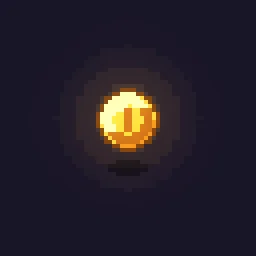 Pixel Art Spinning Coin
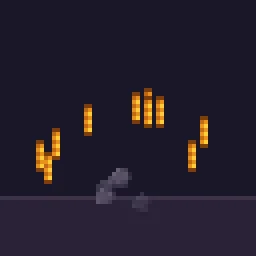 Pixel Art Coin Burst
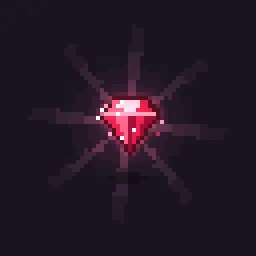 Pixel Art Gem Shine
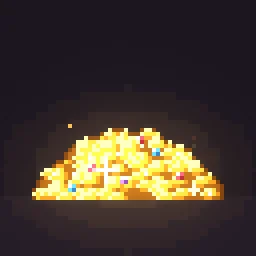 Pixel Art Treasure Sparkle
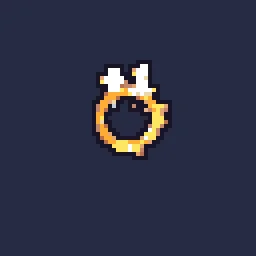 Coin Pickup
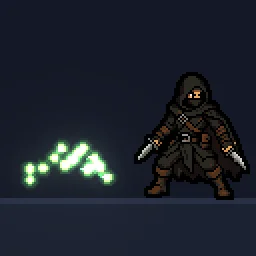 Pixel Art XP Orbs
Hearts, stars and power-ups
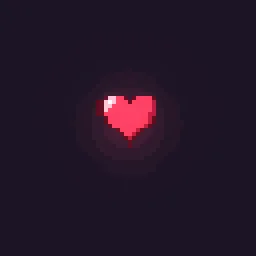 Pixel Art Heart Collect
 Pixel Art Star Collect
 Heart Pickup
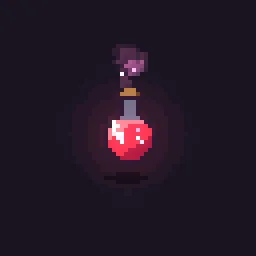 Pixel Art Potion Bubbles
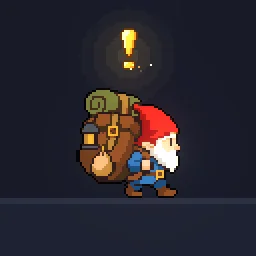 Pixel Art Quest Marker
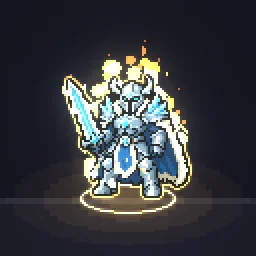 Pixel Art Level Up Aura
Pickups that feel good
- Idle motion. A coin spins or bobs and a gem glints every second or two, so collectables stand out from the level art.
- A burst on collect. Swap the idle sprite for a short burst the moment it is collected: a ring, a few sparkles, done in under half a second.
- Fly to the counter. For coins, send a copy of the sprite to the coin counter on the HUD and pulse the counter when it arrives.
- Sound on the same frame. A pickup with no sound feels broken however good it looks.
Change it in the studio
- Open Pixel Art Spinning Coin in the studio.
- Under Quick tweaks, press a Colour swatch for silver or copper coins, or a red or blue gem.
- Press Export and choose Spritesheet or GIF. The idle loops repeat with no visible jump.
Or describe it
- Build a pixel art diamond pickup (1 build)
- Build a pixel art key pickup (1 build)
More pixel pickups
Browse every pixel art effect in the library, or describe the one you need and the agent builds it as real, editable pixel art.
Questions
How many frames does a spinning pixel coin need?
Six to eight frames at 10 to 12 fps is the classic spin. The Spinning Coin download runs at 30 fps; export it from the studio at 12 fps for fewer frames.
Can I make silver or copper coins?
Yes. Open the coin in the studio and press a Colour swatch under Quick tweaks, or change the palette under Pixel art and palette.
Why does my pixel art effect look blurry in the engine?
The engine is smoothing the texture when it scales it. Set the texture filter to nearest neighbour (Point in Unity, Nearest in Godot, turn off texture interpolation in GameMaker) and scale the sprite by whole numbers, such as 2x or 3x, so every pixel stays square.
Can I use these pixel art effects in a commercial game?
Yes. Exported effects, including ones started from the library, can be used in any project, including paid games sold on Steam or console stores, with no per-project licence and no credit needed. The few effects that contain CC BY sprites by CodeManu say so on their page and ask you to credit CodeManu.