Pixel art projectiles
Free pixel art projectiles for games: fireballs, a magic orb, ice shards, a lightning ball, a laser, arrows, a boomerang and an axe, as sprite sheets and GIFs.
Projectiles come in two forms. A loop that flies in place, such as Blue Fireball or Magic Projectile, is the thing your game moves across the screen and swaps for an impact when it hits. A whole shot, such as Fireball Spell or Ice Shard Projectile, plays the cast, the flight and the hit in one animation for cutscenes, cards and previews.
Every effect here is free. Its page has DOWNLOAD GIF and PNG SHEET buttons that need no account: the files have a transparent background, are cropped to the effect and run at 30 frames a second. To change an effect first, press OPEN IN THE STUDIO; a free account exports 3 effects a day.
Loops to move in your game
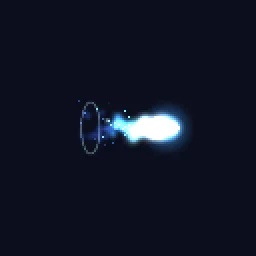 Pixel Art Blue Fireball
 Pixel Art Magic Projectile
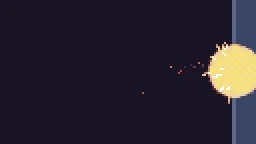 Pixel Fireball
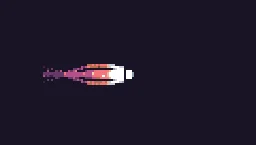 Mana Bolt
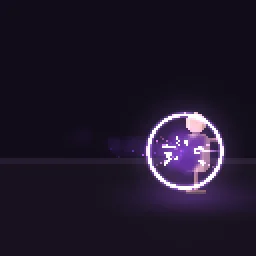 Pixel Art Shadow Bolt
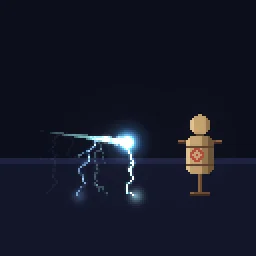 Pixel Art Lightning Bolt Projectile
Whole shots, from cast to hit
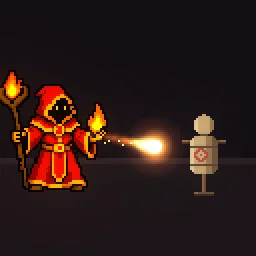 Pixel Art Fireball Spell
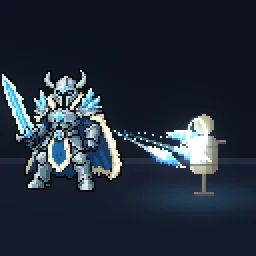 Pixel Art Ice Shard Projectile
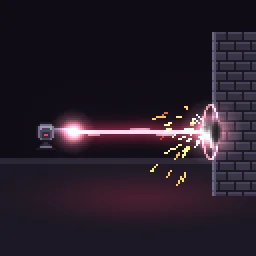 Pixel Art Laser Beam
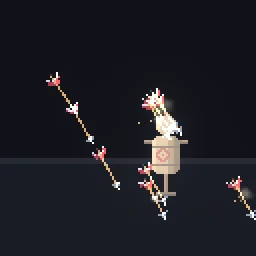 Pixel Art Arrow Rain
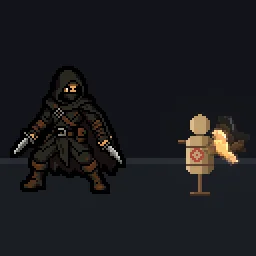 Pixel Art Boomerang
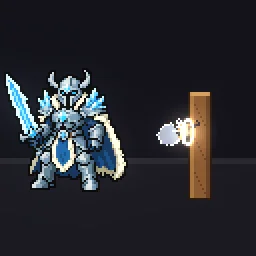 Pixel Art Axe Throw
Projectiles that read
- A bright head, a fading tail. The front is the palest, most saturated part and the trail cools behind it, which shows the direction even in a still frame.
- Face the direction of travel. The flying loops point right; rotate the sprite to the projectile's velocity every frame.
- A muzzle and an impact. A small flash where it leaves and a burst where it lands make a plain orb feel like a spell. Use a hit effect from the hit effects page for the impact.
- Sized for the hitbox. Keep the bright head about the size of the projectile's collision shape; the glow and the trail can spill outside it.
Change it in the studio
- Open Pixel Art Magic Projectile in the studio.
- Under Quick tweaks, press a Colour swatch for a different element, and Bigger or Smaller to fit your sprites.
- Under Pixel art and palette, set Palette to your game's palette so the projectile matches the rest of your art.
- Press Export and choose Spritesheet. A flying loop repeats with no visible jump.
Or describe it
- Build a pixel art plasma bullet (1 build)
- Build a pixel art acid spit (1 build)
More pixel projectiles
Browse every pixel art effect in the library, or describe the one you need and the agent builds it as real, editable pixel art.
Questions
How do I use a pixel projectile in my game?
Use a flying loop as the projectile's animated sprite, move and rotate it in code, and when it collides, remove it and play an impact effect at the collision point.
Which way do the projectiles face?
The flying loops face right. Rotate the sprite to the direction of travel, or flip it horizontally for a projectile that only moves left and right.
Why does my pixel art effect look blurry in the engine?
The engine is smoothing the texture when it scales it. Set the texture filter to nearest neighbour (Point in Unity, Nearest in Godot, turn off texture interpolation in GameMaker) and scale the sprite by whole numbers, such as 2x or 3x, so every pixel stays square.
Can I use these pixel art effects in a commercial game?
Yes. Exported effects, including ones started from the library, can be used in any project, including paid games sold on Steam or console stores, with no per-project licence and no credit needed. The few effects that contain CC BY sprites by CodeManu say so on their page and ask you to credit CodeManu.