Make Roblox VFX with AI
Make Roblox VFX with AI: describe an effect in a sentence and the ParticleFX agent builds a real, editable particle effect that exports as a Roblox flipbook for a ParticleEmitter. Your first build needs no account.
The library has 850+ free effects, but your game has its own moves: a signature ultimate, a rebirth in your colours, a pet hatch for your rarest egg. The ParticleFX agent makes those from a sentence. It builds a real particle effect, not a video or a still picture: it loops cleanly, plays at its true speed in Roblox, and stays editable, so you can keep changing it until it fits.
From a sentence to your game
- Open the agent and describe the effect. Name the game type and the moment: "an awakening burst for a battlegrounds game, black and red lightning, plays once".
- Under Plays, choose Once for hits, casts and explosions, or Loop for auras, pads and status effects. The agent builds it on a live canvas, renders the result, looks at it and fixes what does not read.
- Refine it by talking ("bigger, slower, more red") or with the quick tweaks for size, speed and colour.
- When you are happy, open the menu next to Export GIF and choose Roblox. The export shows the FlipbookLayout and Lifetime to set on the emitter, and downloads the flipbook PNG.
- Upload it in Studio's Asset Manager and set up the emitter as on the Roblox setup page, or drop it into one of the scripts on these pages.
With the free PNG, this short script inside the effect's part plays it on every player's machine, one particle per cycle:
-- A Script inside the part. In Properties, set its RunContext to Client.
local emitter = script.Parent:WaitForChild("Attachment"):WaitForChild("Flipbook")
local cycle = emitter.Lifetime.Max

-- A looping effect: one particle per cycle, each playing the whole flipbook.
while true do
	emitter:Clear()
	emitter:Emit(1)
	task.wait(cycle)
end

-- A one-shot instead: call emitter:Clear() and emitter:Emit(1) once, when it should play.
Try one of these
Each button starts a build with that prompt. Your first build needs no account; a free account gives 20 builds to start and 3 every day.
Prompts that work for Roblox
- Say whether it plays once or loops. A hit or a cast plays once; an aura, a pad or a status effect loops. Roblox plays it the same way.
- Name the moment and the genre: "a counter hit for an anime fighting game" or "an enemy defeat in a tower defense game" gives the agent the timing and the size to aim for.
- Say how big it should feel: "a small pickup pop" and "a screen-filling ultimate" lead to very different effects.
- Keep words out of it: an effect with text drawn in shows that text in every language your game is played in. Ask for "no text".
- Give it a reference: add a screenshot of your game or a sketch of the effect, and the agent works from it.
Change an effect that is nearly right
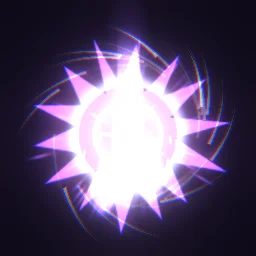
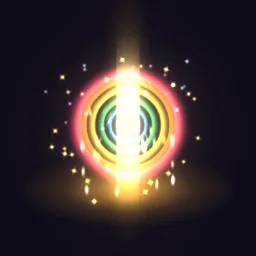
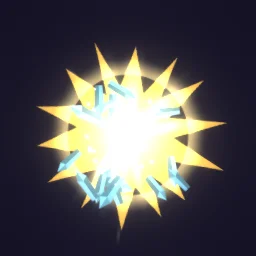
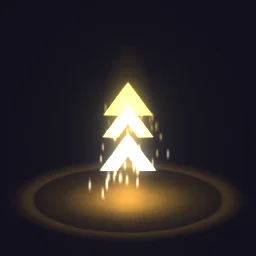
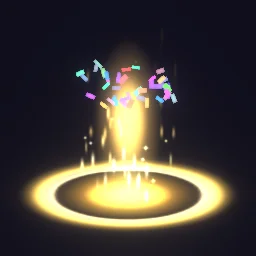
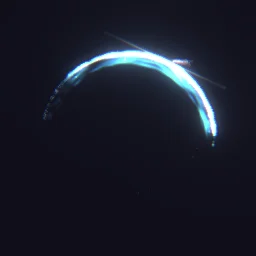
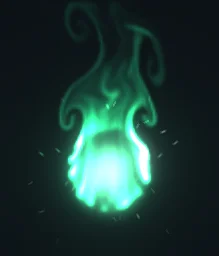
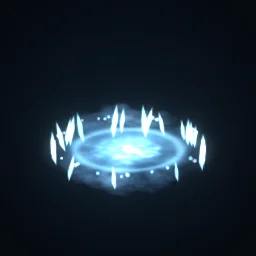
You do not have to start from nothing. Open any effect on its page with OPEN IN THE STUDIO, change it under Quick tweaks, or describe the change to the agent: "same slash, but purple and twice as wide". Every effect on the Roblox pages starts that way, and the export is the same. These are good starting points:
What the AI makes, and what it does not
- It makes the effect, the flipbook PNG and its settings. It does not write your combat system: the Luau on pages such as hit effects and magic VFX covers placing and timing effects.
- It works in 2D frames that a ParticleEmitter plays facing the camera, like most Roblox effects. Effects that must stretch between two points, such as a laser to a moving target, are better as a Beam with a beam texture.
- Basic or Pro: a Basic build costs 1 build; Pro is a stronger model for complex effects and costs 10 builds.
The flipbook PNG is free: the ROBLOX button on every effect page needs no account, and a free account can also export it from the studio (3 effects a day) with the grid and texture size of your choice. The ready model, a .rbxmx with the emitter set up and a script that plays it, plus UIFlipbook.luau for UI, comes with any plan, from $7.99 a month.
Get it into your game
Every setting and both ways in, free PNG or ready model, are on the Roblox setup page. More picks by genre are on Free Roblox VFX, and any effect can be changed in the studio before you export it.
Questions
Is there an AI that makes Roblox VFX?
Yes. The ParticleFX agent builds a particle effect from a description and exports it as a Roblox flipbook PNG for a ParticleEmitter, with the FlipbookLayout and Lifetime to use. Your first build needs no account.
Is the result a video or an image I can edit?
Neither: it is a real particle effect with layers, colours and timing that you can open in the studio and change by hand, then export again as a flipbook.
Can I use AI-made effects in a game that earns Robux?
Yes, under the same terms as everything you make with ParticleFX Studio: they are yours to use in any project, commercial games included. How copyright applies to AI-assisted work varies by country.