Hit effects for Roblox combat games
Free hit effects for Roblox: critical hits, parries, sword clashes, shield hits, punches and smoke puffs as flipbooks, with Luau that places each hit where the blow landed and tips that make hits feel heavier.
A hit effect has about a tenth of a second to tell the player that a blow landed. It should appear where the weapon met the target, read from any angle, and be gone before the next hit. A flipbook does all three: one particle facing the camera, placed at the point of contact, that plays once and is done.
Hit effects that read fast
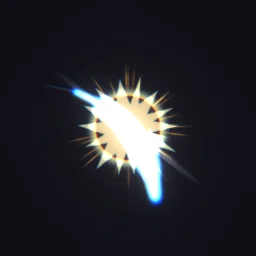 Slash Attack Hit
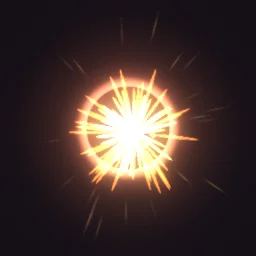 Critical Hit
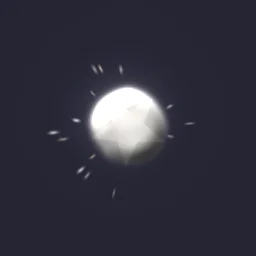 Hit Smoke Puff
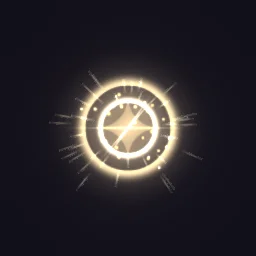 Perfect Parry
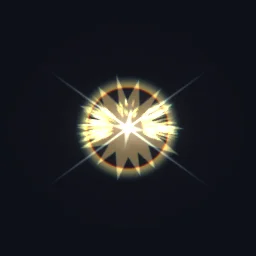 Sword Clash Sparks
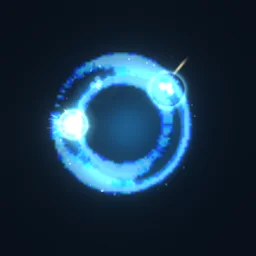 Shield Impact
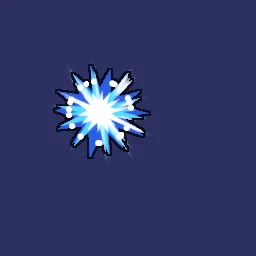 Anime Hit Sparks
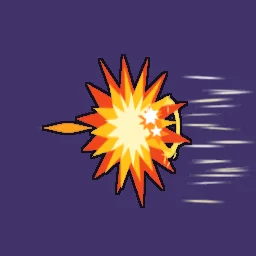 Cartoon Punch Impact
- Normal and critical hits: Slash Attack Hit for a blade, Critical Hit for a crit (a white-hot core, then a ring of sparks), Hit Smoke Puff for a blunt blow.
- Defence: Perfect Parry for a timed block, Sword Clash Sparks when two weapons meet, Shield Impact for a bubble shield taking a hit.
- Styles: Anime Hit Sparks and Cartoon Punch Impact for anime and cartoon games, with flat colour and ink outlines.
- Heavy moves and finishers: impact frames, slams and lightning hits are on anime VFX.
Place the hit where the blow landed
Many combat systems find hits with a box in front of the attacker, using workspace:GetPartBoundsInBox. For the effect, take a point between the two characters, close to the target: it sits on the side of the target that faces the attacker, wherever the camera is.
-- Server: a simple hitbox in front of the attacker
local ReplicatedStorage = game:GetService("ReplicatedStorage")
local hitFx = ReplicatedStorage:WaitForChild("HitFx") -- a RemoteEvent

local function swing(attacker: Model, damage: number)
	local root = attacker:FindFirstChild("HumanoidRootPart") :: BasePart
	local params = OverlapParams.new()
	params.FilterType = Enum.RaycastFilterType.Exclude
	params.FilterDescendantsInstances = { attacker }

	local hit = {}
	for _, part in workspace:GetPartBoundsInBox(root.CFrame * CFrame.new(0, 0, -3), Vector3.new(5, 5, 5), params) do
		local target = part:FindFirstAncestorOfClass("Model")
		local humanoid = target and target:FindFirstChildOfClass("Humanoid")
		if humanoid and not hit[humanoid] and humanoid.Health > 0 then
			hit[humanoid] = true
			humanoid:TakeDamage(damage)
			local targetRoot = target:FindFirstChild("HumanoidRootPart")
			local at = if targetRoot then targetRoot.Position:Lerp(root.Position, 0.3) else part.Position
			hitFx:FireAllClients(if damage >= 25 then "Critical Hit" else "Slash Attack Hit", at)
		end
	end
end
The LocalScript that receives HitFx is the one on anime VFX: it clones the named effect at the position and cleans it up. Choosing the effect on the server (here, a crit for big hits) means every player sees the same one.
Make hits feel heavier
- Hit stop: pause the attacker's and the target's animations for 0.05 to 0.1 s when a hit lands, with
AdjustSpeed(0)on each playing AnimationTrack andAdjustSpeed(1)after. Much of the weight in fighting games comes from that pause. - Camera shake: a short shake on the attacker's camera for heavy hits only, or it stops meaning anything.
- No two alike: set the emitter's Rotation to a random angle before each hit,
NumberRange.new(math.random(0, 359)), so repeated hits do not look stamped. - Sound with it: put the hit sound in the effect part and play it there, so the sound and the effect always arrive together.
Settings for hits
- In front of the body: a hit sits on the target, so the body hides half of it. Set ZOffset to 1 or 2: the particle draws that many studs closer to the camera without changing its size on screen.
- Glow: Slash Attack Hit, Critical Hit, Perfect Parry and Shield Impact export with Glow on (LightEmission 1). Hit Smoke Puff and Sword Clash Sparks carry smoke and the cartoon hits have ink outlines, so they export with it off; with it on, their dark parts would disappear.
- Size: 4 to 6 studs for most hits. Make crits a little bigger than normal hits, so players learn to tell them apart.
- Sharp frames: effects up to 0.75 s get a 4x4 grid with 256 px frames. Perfect Parry and Slash Attack Hit export that way; for the others you can pick 4x4 in the studio export.
The flipbook PNG is free: the ROBLOX button on every effect page needs no account, and a free account can also export it from the studio (3 effects a day) with the grid and texture size of your choice. The ready model, a .rbxmx with the emitter set up and a script that plays it, plus UIFlipbook.luau for UI, comes with any plan, from $7.99 a month.
Get it into your game
Every setting and both ways in, free PNG or ready model, are on the Roblox setup page. More picks by genre are on Free Roblox VFX, and any effect can be changed in the studio before you export it: give each weapon or element its own hit colour.
Questions
Where should a hit effect appear?
At the point of contact: on the target, on the side facing the attacker. A point between the two characters, close to the target, works from any camera angle.
Why is my hit effect hidden inside the character?
The particle is drawn through the middle of the target. Raise the emitter's ZOffset to 1 or 2 so it draws in front of the body.
How do I make hits feel stronger in Roblox?
Pause both characters' animations for a few frames when the hit lands (AnimationTrack:AdjustSpeed(0), then back to 1), add a short camera shake for heavy hits, and use a bigger, brighter effect for crits.
Can I use these effects in a game that earns Robux?
Yes. Exported effects, including ones started from the library, may be used in any project, commercial games included, with no credit required. Reselling the library itself as an effect pack is not allowed.